
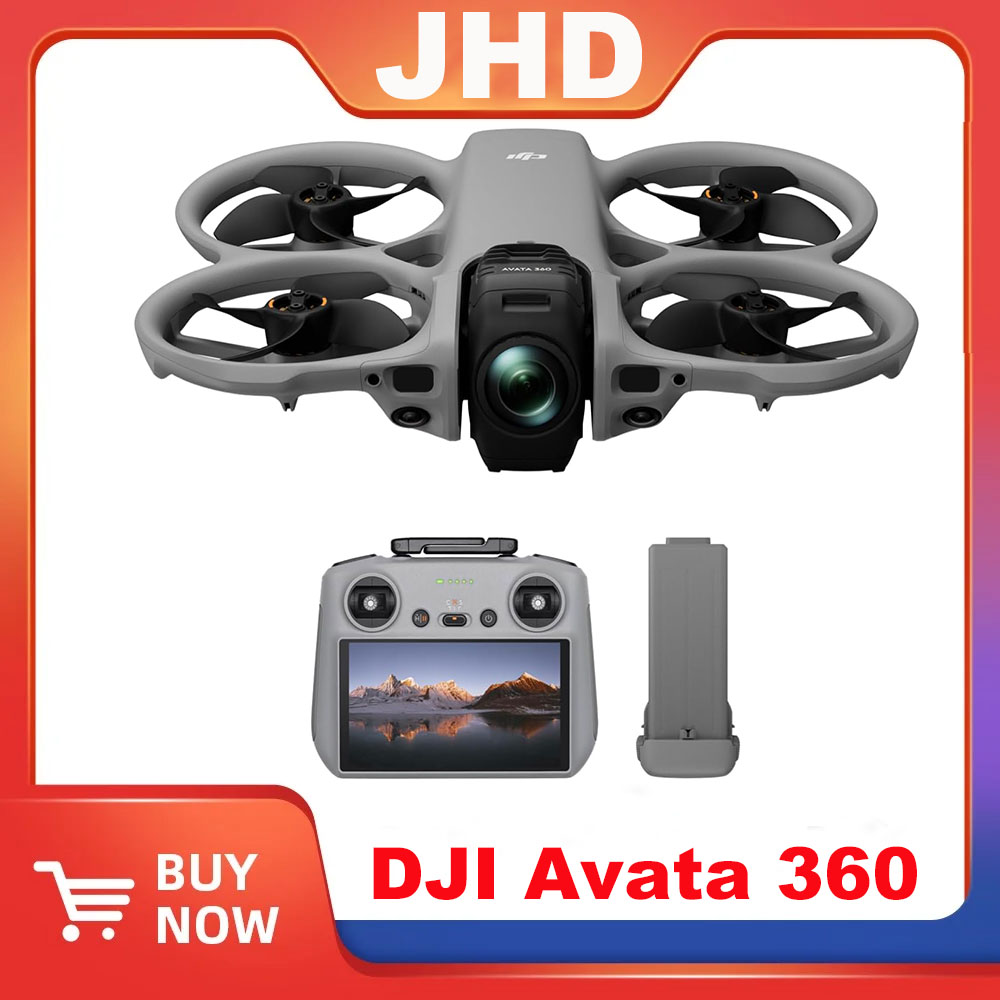
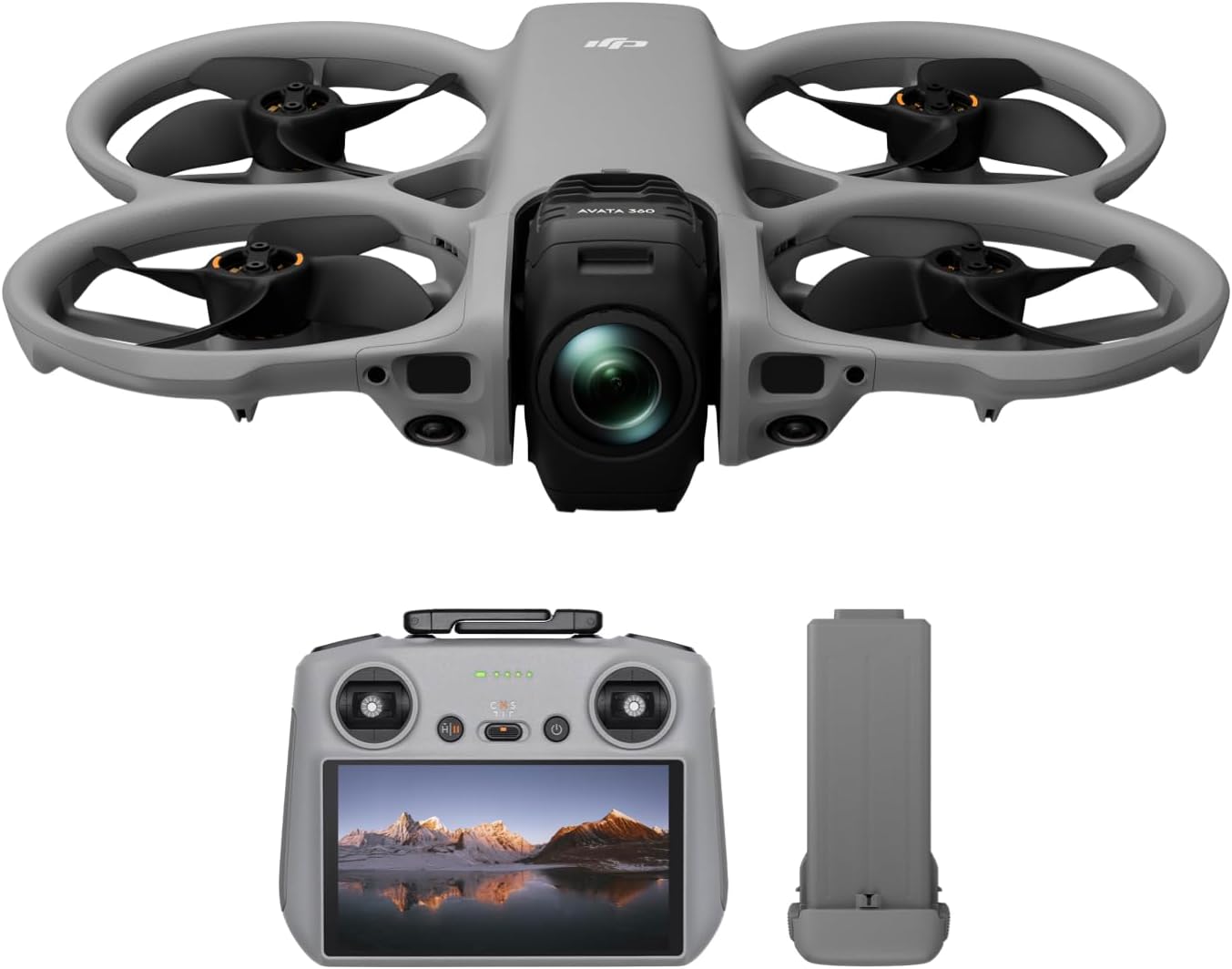
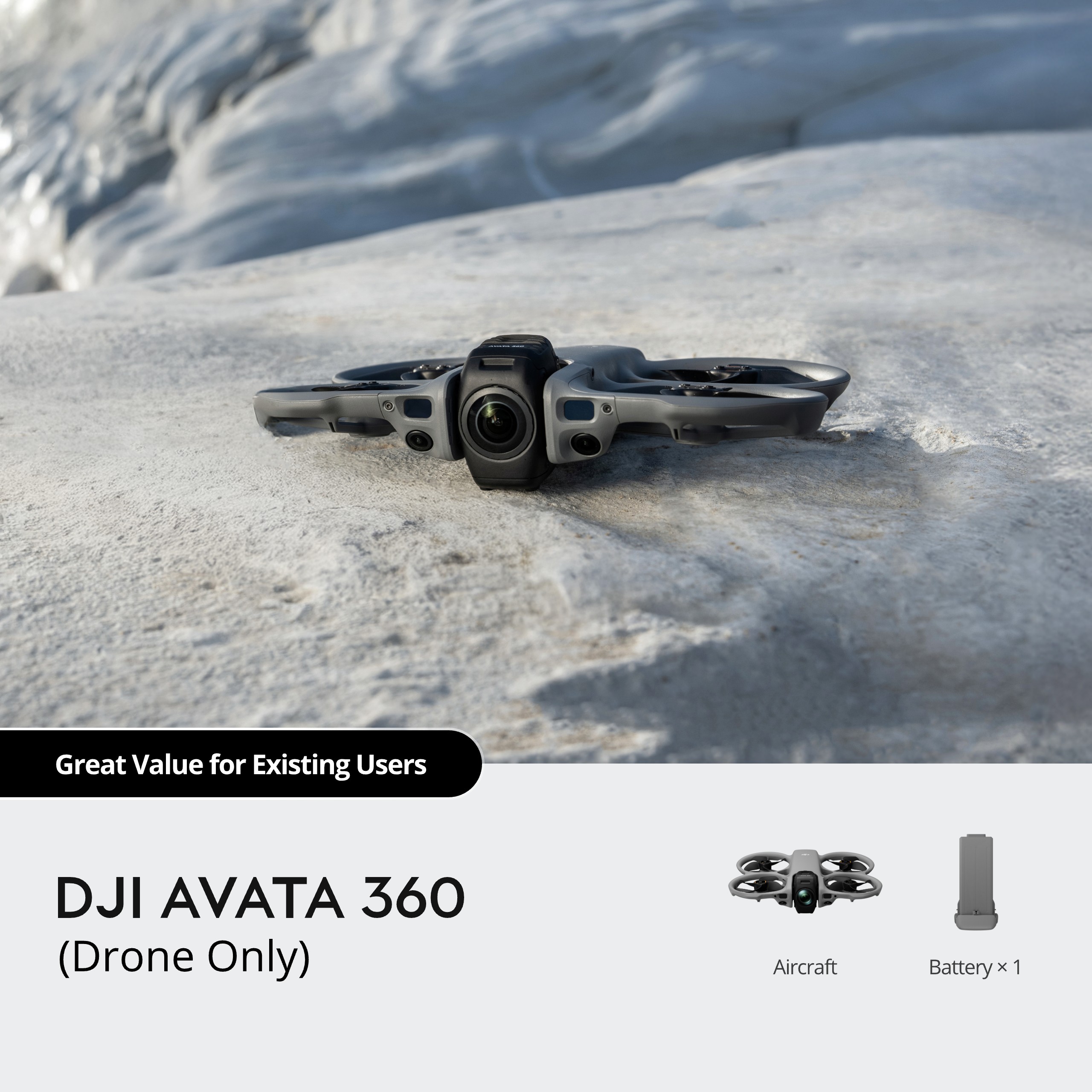
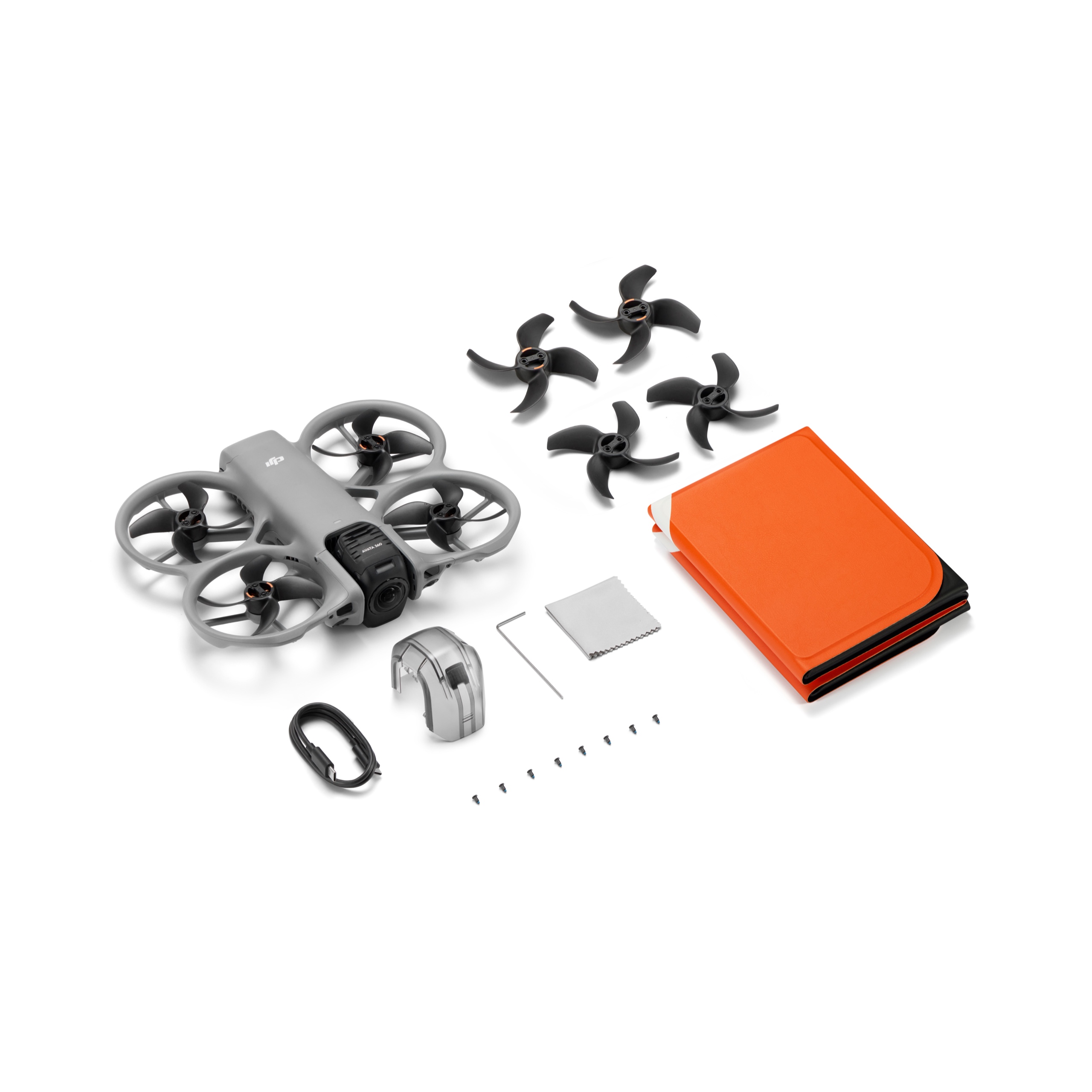
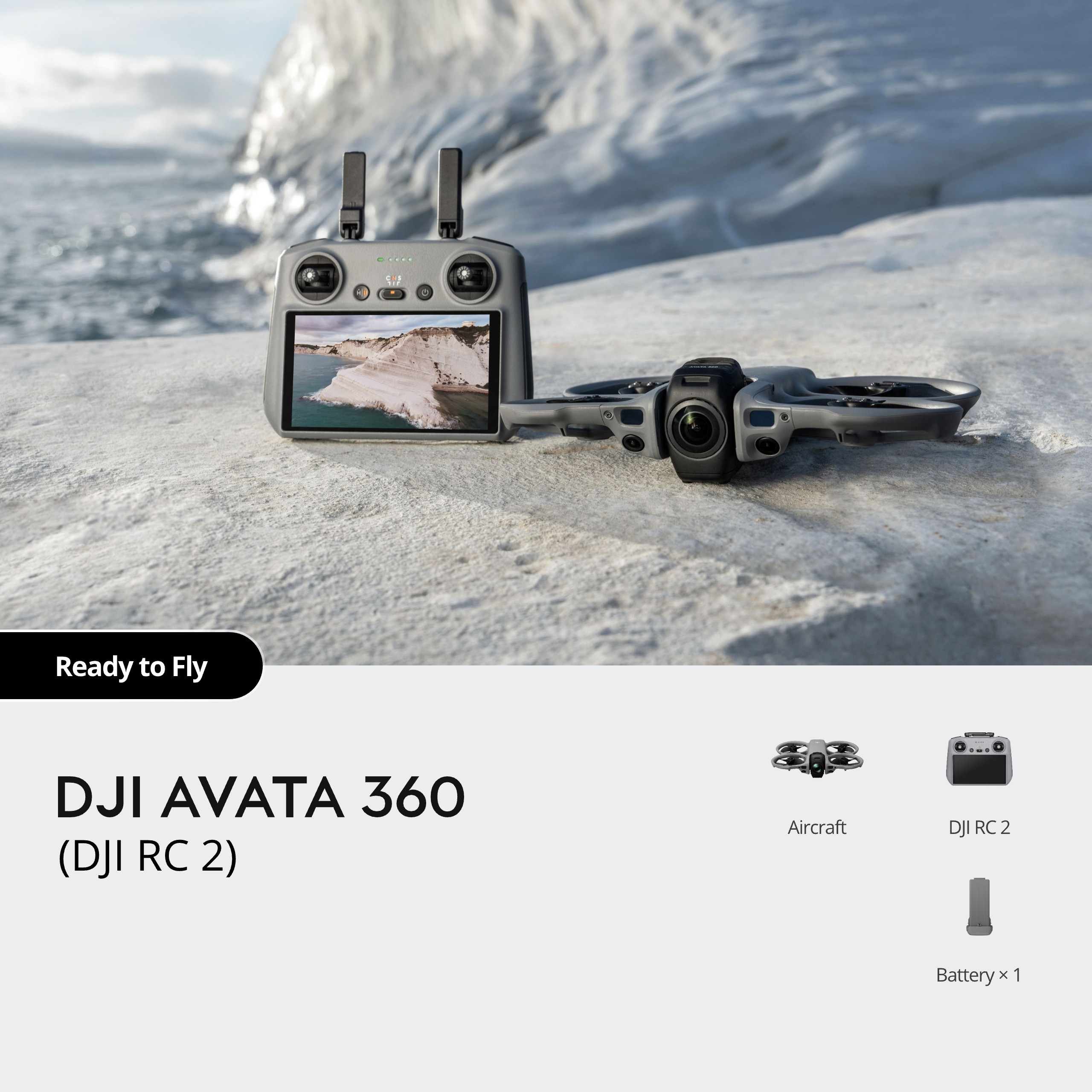
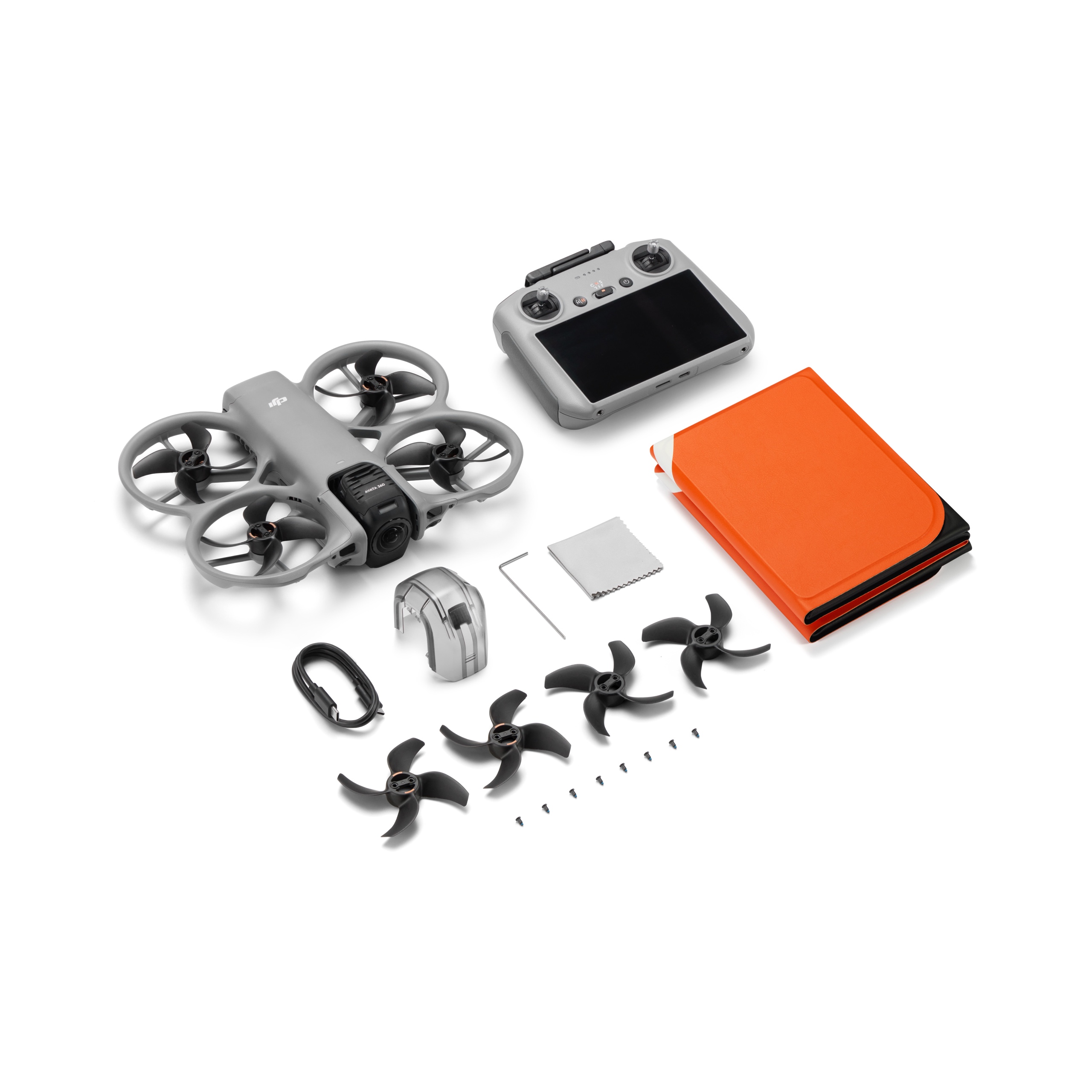
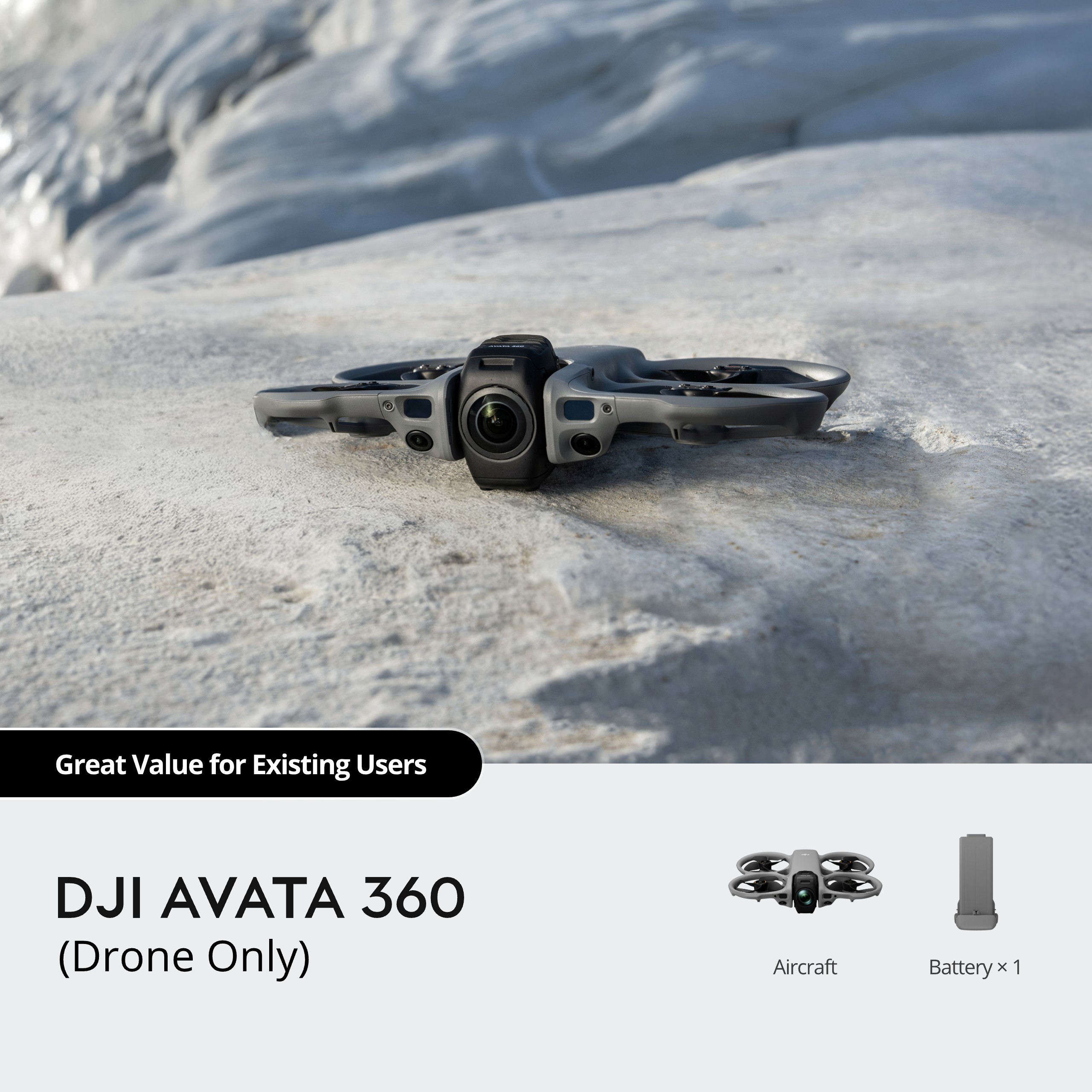
JHD DJI Avata 360 Drone Only DJI RC 2 Motion Fly More Combo


$459.00 – $930.00Price range: $459.00 through $930.00
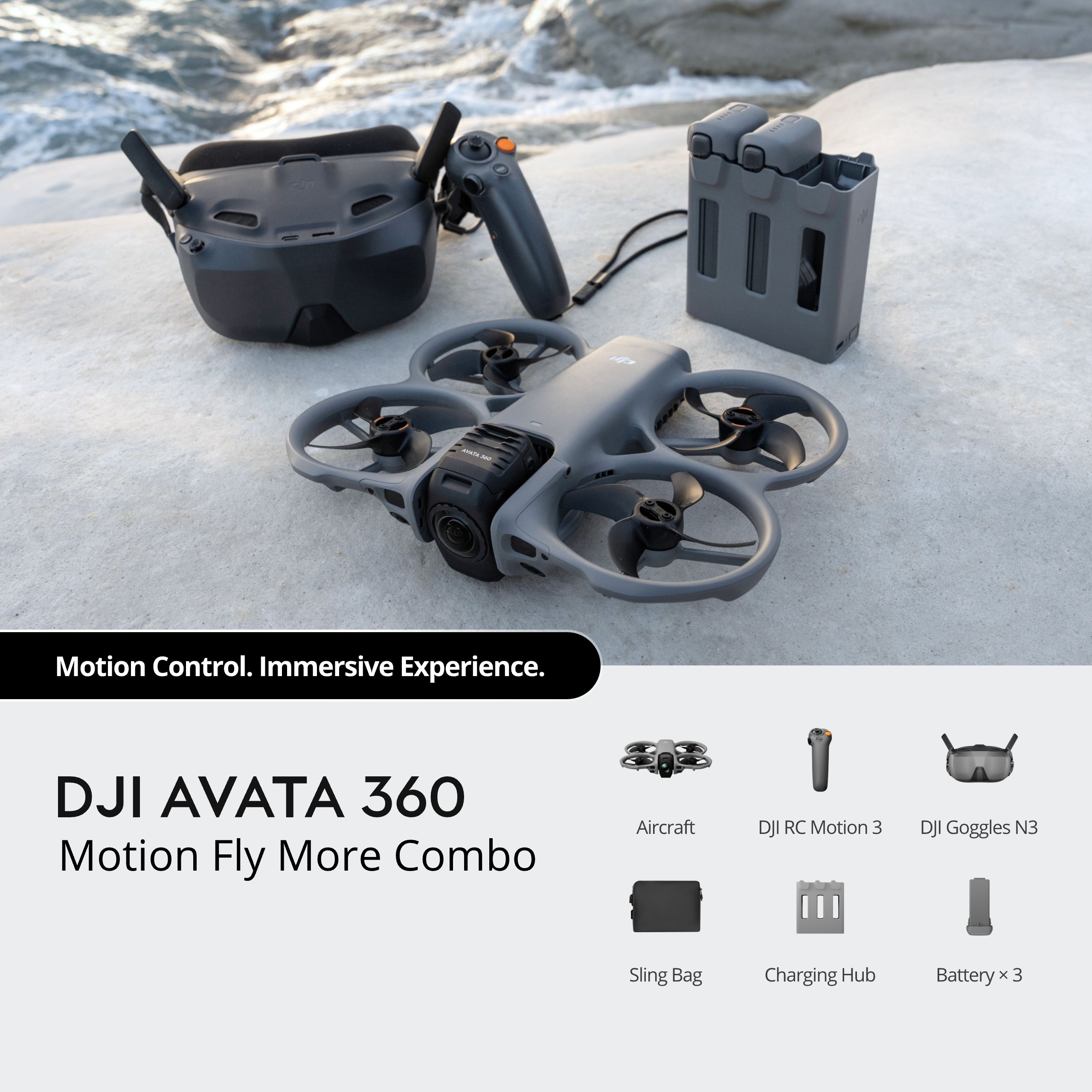
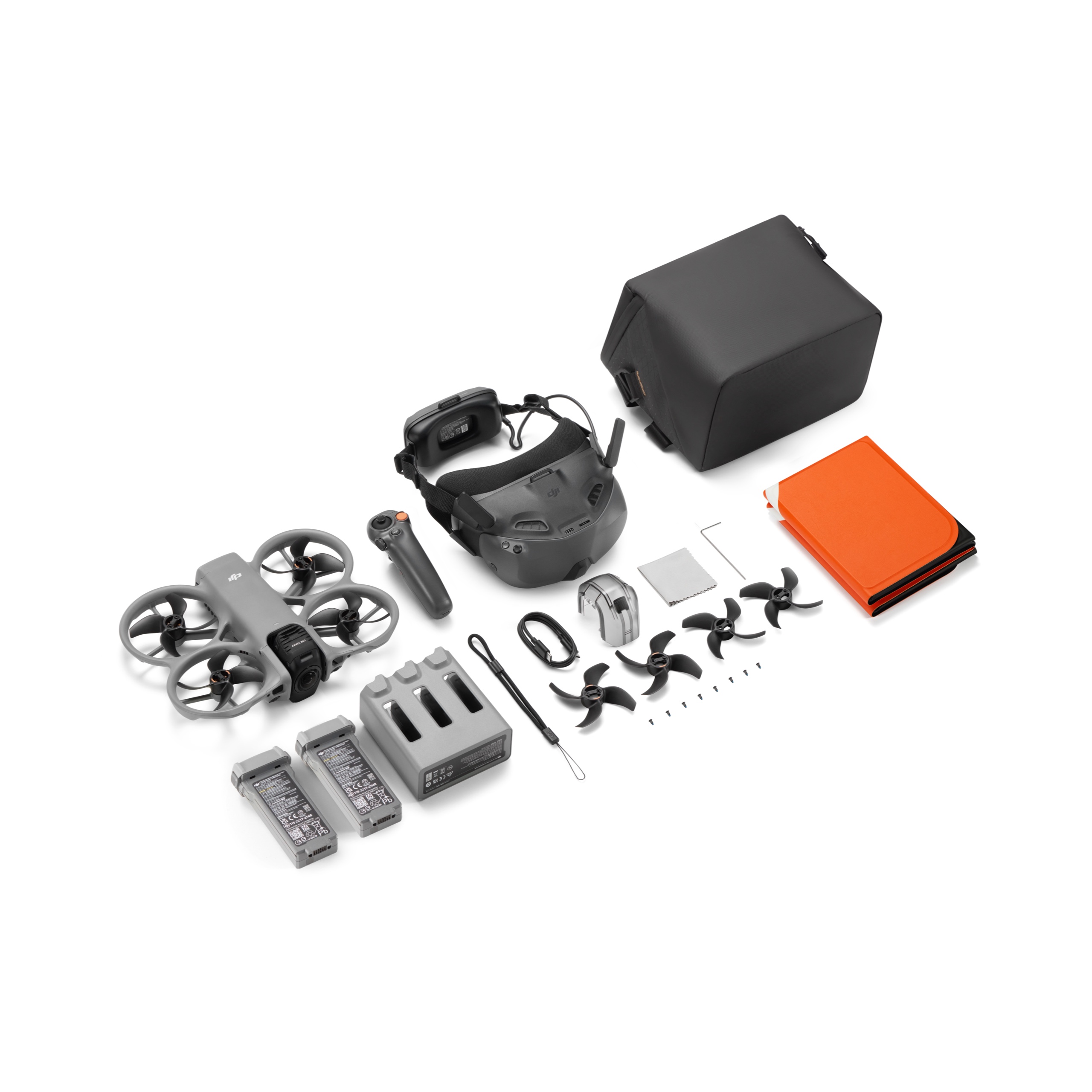
| Versions | Drone Only, DJI RC 2, Fly More Combo (DJI RC 2), DJI Avata 360 Motion Fly More Combo |
|---|
Approx. 455 g
246×199×55.5 mm (L×W×H)
2 m/s (Cine mode)
6 m/s (Normal mode)
10 m/s (Sport mode)
1.5 m/s (Cine mode)
6 m/s (Normal mode)
10 m/s (Sport mode)
6 m/s (Cine mode)
16 m/s* (Normal mode)
18 m/s (Sport mode)
Measured in a controlled wind tunnel environment under conditions equivalent to windless operation and sea-level altitude, with the aircraft ascending vertically to a height of 1.5 meters above the ground. Actual experience may vary depending on the environment, usage, and firmware version.
* Up to 12 m/s in Normal mode by default, adjustable to 16 m/s in settings.
4500 m
Measured in a windless environment when taking off from an altitude of 4500 m and ascending vertically by 500 m, using Sport mode, and from 100% battery level until 20%. Data is for reference only. Always pay attention to reminders on the camera view during your flight.
Approx. 23 mins
Measured in a controlled wind tunnel environment under conditions equivalent to windless operation and sea-level altitude, with the aircraft flying forward at a constant speed of 21.6 kph, Obstacle Avoidance Action set to Brake, and the camera in Photo mode, until a forced landing due to battery depletion. Actual experience may vary depending on the environment, usage, and firmware version.
Approx. 22 mins
Measured when hovering in a windless environment at sea level, and the camera in photo mode, until a forced landing due to battery depletion. Data is for reference only. Actual experience may vary depending on the environment, usage, and firmware version.
13.5 km
Measured in a controlled wind tunnel environment under conditions equivalent to windless operation and sea-level altitude, with the aircraft flying forward at a constant speed of 39.6 kph, Obstacle Avoidance Action set to Brake, and the camera in Photo mode, until a forced landing due to battery depletion. Actual experience may vary depending on the environment, usage, and firmware version.
10.7 m/s (Level 5)
48°
-10° to 40° C (14° to 104° F)
GPS + Galileo + BeiDou
Vertical:
±0.1 m (with vision positioning)
±0.5 m (with satellite positioning)
Horizontal:
±0.3 m (with vision positioning)
±1.5 m (with satellite positioning)
42 GB
C1 (EU)
Two 1/1.1-Inch Square CMOS Sensors
Effective Pixels per Sensor: 64MP
FOV: 200°
Format Equivalent: 7.8 mm
Focal Length: 2.5 mm
Aperture: f/1.9
Focus mode: FF
Focus: 1.5 m to ∞
360° Video:
8K@60/50/48fps: 100-12800 (Normal/D-Log M)
8K@30/25/24fps: 100-25600 (Normal), 100-12800 (D-Log M)
6K@60/50/48/30/25/24fps: 100-25600 (Normal), 100-12800 (D-Log M)
360° Photo: 100-6400
Single-Lens Video: 100-12800
Video: 1/8000-1/25 s
Photo: 1/8000-1/30 s
Single Shot:
In 360° mode, the resolution is 30 MP* or 120 MP**.
* For 30MP/8K 360° photos, the resolution is 7776×3888 (30 MP) in JPEG and 7680×3840 (29.49 MP) in DNG.
** For 120MP/16K 360° photos, the resolution is 15520×7760 (120 MP) in JPEG and 15360×7680 (118 MP) in DNG.
360° Photo: 15520×7760
JPEG/DNG (RAW)
360° Mode:
8K (2:1): 7680×3840@60/50/48/30/25/24fps
6K (2:1): 6000×3000@60/50/48/30/25/24fps
Single Lens Mode:
4K (4:3)*: 3840×2880@60/50/48/30/25/24fps
4K (16:9): 3840×2160@60/50/48/30/25/24fps
2.7K (4:3)*: 2688×2016@120/100/60/50/48/30/25/24fps
2.7K (16:9): 2688×1512@120/100/60/50/48/30/25/24fps
* Only supported when using DJI Goggles 3/N3 paired with DJI RC Motion 3 or DJI FPV Remote Controller 3.
OSV/MP4 (H.265)
180 Mbps
Normal
D-Log M
Single Lens Mode:
With RC 2/RC-N2/RC-N3: Supports only RockSteady 3.0
With Goggles 3/N3 paired with RC Motion 3 or FPV Remote Controller 3: Supports a switch between RockSteady 3.0 and HorizonBalancing
Single Lens Mode:
With RC 2/RC-N2/RC-N3: Natural Wide
With Goggles 3/N3 paired with RC Motion 3 or FPV Remote Controller 3: Standard (Dewarp)/Wide/Natural Wide
exFAT
Single-Axis Mechanical Gimbal (tilt)
360° Virtual Gimbal
Tilt: -95° to 173°
Single-Axis Mechanical Gimbal:
Tilt (With RC 2/RC-N2/RC-N3): -30° to 60°
Tilt (With Goggles 3/N3 paired with RC Motion 3 or FPV Remote Controller 3): -60° to 60°
360° Virtual Gimbal:
Tilt: -180° to 180°
Roll: -180° to 180°
Single-Axis Mechanical Gimbal:
Tilt: 100°/s
360° Virtual Gimbal:
Tilt: 100°/s
Roll: 100°/s
Single-Axis Mechanical Gimbal:
±0.01°
Omnidirectional vision system, supplemented with forward-facing LiDAR and an infrared sensor at the bottom of the aircraft
Measurement Range: 0.5-20 m
FOV: Horizontal 90°, Vertical 90°
Measurement Range: 0.5-18 m
Measurement Range: 0.5-18 m
Measurement Range: 0.5-18 m
3D ToF Effective Measurement Height: 10 m
Precise Hovering Range: 0.3-10 m
3D ToF FOV: Horizontal 60°, Vertical 60°
Measurement Range: 0.5-20 m
FOV: Horizontal 90°, Vertical 90°
Diffuse reflective surfaces with discernible patterns, diffuse reflectivity > 20% (such as concrete pavement)
Adequate lighting (lux > 1, normal indoor lighting conditions)
O4+
Single Lens Mode:
1080p@100*/60/50/48/30/25/24fps
360° Mode:
1080p@60/50/48/30/25/24fps
* In Single Lens Mode, 1080p/100fps is supported only when the aircraft is used with Goggles 3/N3 and RC Motion 3.
2.400-2.4835 GHz
5.170-5.250 GHz*
5.725-5.850 GHz
* 5.170-5.250 GHz can be used only in countries and regions where permitted by local laws and regulations.
2.400-2.4835 GHz:
< 33 dBm (FCC)
< 20 dBm (CE/SRRC/MIC)
5.170-5.250 GHz:
< 23 dBm (CE)
5.725-5.850 GHz:
< 33 dBm (FCC)
< 30 dBm (SRRC)
< 14 dBm (CE)
Max 40 MHz
FCC: 20 km
CE: 10 km
SRRC: 10 km
MIC: 10 km
Measured in an unobstructed outdoor environment free of interference. The above data shows the farthest communication range for one-way, non-return flights under each standard. Always pay attention to RTH reminders on the camera view during your flight.
Strong Interference: Urban landscape, approx. 1.5-4 km
Medium Interference: Suburban landscape, approx. 4-10 km
Low Interference: Suburb/seaside, approx. 10-20 km
Data tested under FCC standard in unobstructed environments with typical interference. Used for reference purposes only and provides no guarantee for actual transmission distance.
Low Interference and Obstructed by Buildings: Approx. 0-0.7 km
Low Interference and Obstructed by Trees: Approx. 0.7-4.5 km
Data tested under FCC standard in environments with typical low interference. Used for reference purposes only and provides no guarantee for actual transmission distance.
With RC 2/RC-N2/RC-N3:
1080p/60fps Video Transmission Quality: Approx. 130 ms*
* Actual experience may vary depending on the environment, usage, and firmware version.
60 Mbps
O4+: 10 MB/s
Wi-Fi 6: 100 MB/s*
* Measured in a laboratory environment with little interference in countries/regions that support both 2.4 GHz and 5.8 GHz, and when internal storage or a high-speed microSD card is used. Download speeds may vary depending on the actual conditions.
4 antennas, 2T4R
≥ 2700 mAh
Approx. 149 g
14.32 V
17.2 V
Li-ion
≥ 38.67 Wh
7C (typical)
5° to 40° C (41° to 104° F)
With Charging Hub (100W max charging power):
One Battery, From 0% to 100%: Approx. 47 min
One Battery, From 10% to 90%: Approx. 31 min
Three Batteries, From 0% to 100%: Approx. 100 min
Three Batteries, From 10% to 90%: Approx. 70 min
Directly Charging the Drone (65W max charging power):
One Battery, From 0% to 100%: Approx. 73 min
One Battery, From 10% to 90%: Approx. 51 min
Data tested under laboratory conditions at 25° C (77° F) and can be used for reference only. Actual charging time may increase due to higher ambient temperatures or variations in mains voltage between regions.
Supports DJI 65W Portable Charger and DJI 100W USB-C Power Adapter
With Charging Hub: DJI 100W USB-C Power Adapter is recommended.
5-20 V, max 5 A
Max 60 W
Max 17.2 V
Supports Charging up to Three batteries Simultaneously
Parallel charging requires the DJI 65W Portable Charger or DJI 100W USB-C Power Adapter. With an input of 65 W or higher, the hub supports parallel charging. Otherwise, it charges sequentially, prioritizing the highest battery level.
DJI Avata 360 Intelligent Flight Battery
Lexar SILVER PLUS 64GB A2 V30 microSDXC
Lexar SILVER PLUS 128GB A2 V30 microSDXC
Lexar SILVER PLUS 256GB A2 V30 microSDXC
Lexar SILVER PLUS 512GB A2 V30 microSDXC
Lexar SILVER PLUS 1TB A2 V30 microSDXC
Kingston CANVAS GO! Plus 64GB A2 V30 microSDXC
Kingston CANVAS GO! Plus 128GB A2 V30 microSDXC
Kingston CANVAS GO! Plus 256GB A2 V30 microSDXC
Kingston CANVAS GO! Plus 512GB A2 V30 microSDXC
802.11 a/b/g/n/ac/ax
2.400-2.4835 GHz
5.725-5.850 GHz
2.400-2.4835 GHz:
< 20 dBm (FCC/CE/SRRC/MIC)
5.725-5.850 GHz:
< 26 dBm (FCC/SRRC)
< 14 dBm (CE)
Bluetooth 5.4
2.400-2.4835 GHz
< 10 dBm
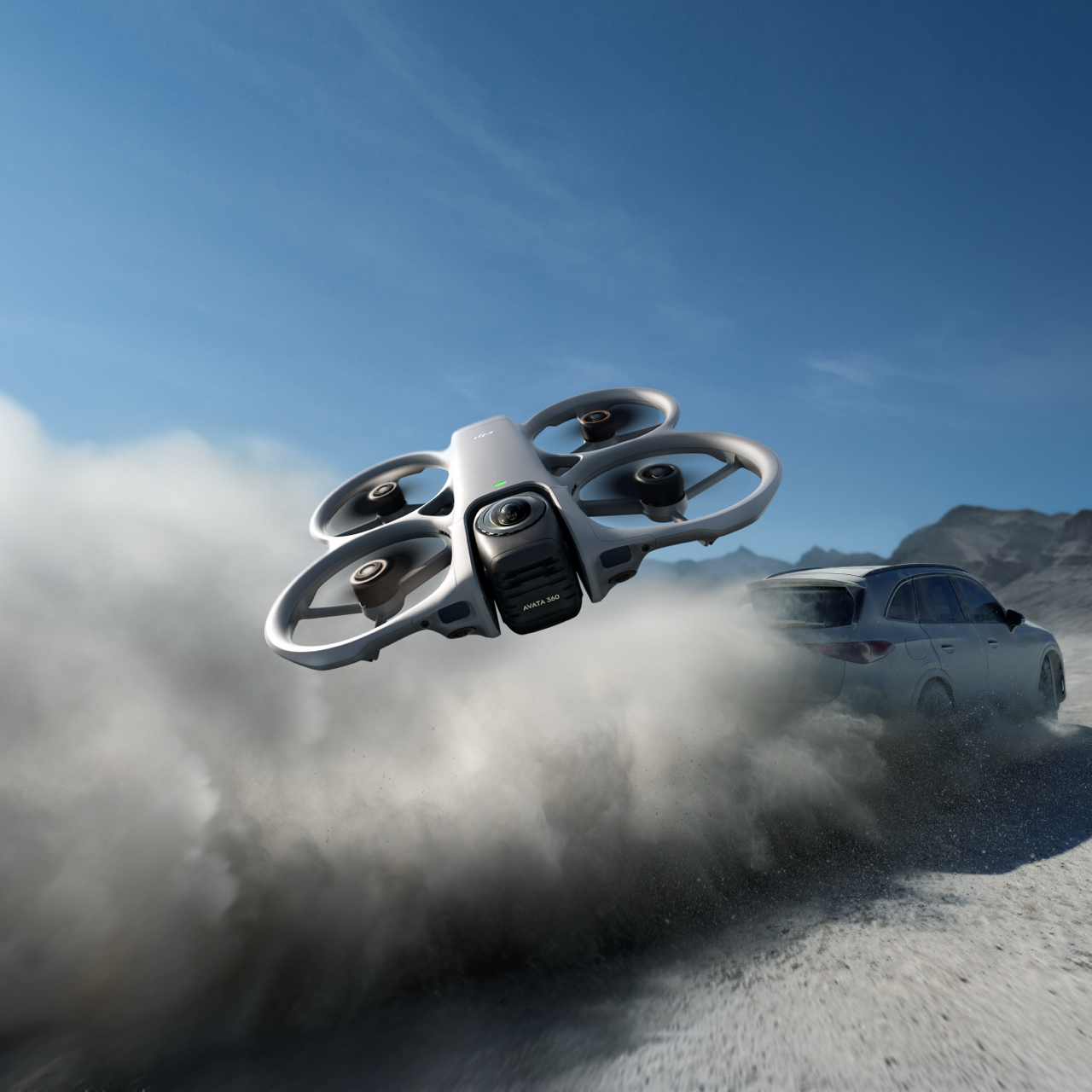
DJI Avata 360 is DJI’s first 360° drone [1]. It delivers an exhilarating, immersive flight experience while enabling creative 360° aerial filming, helping you effortlessly nail epic shots.
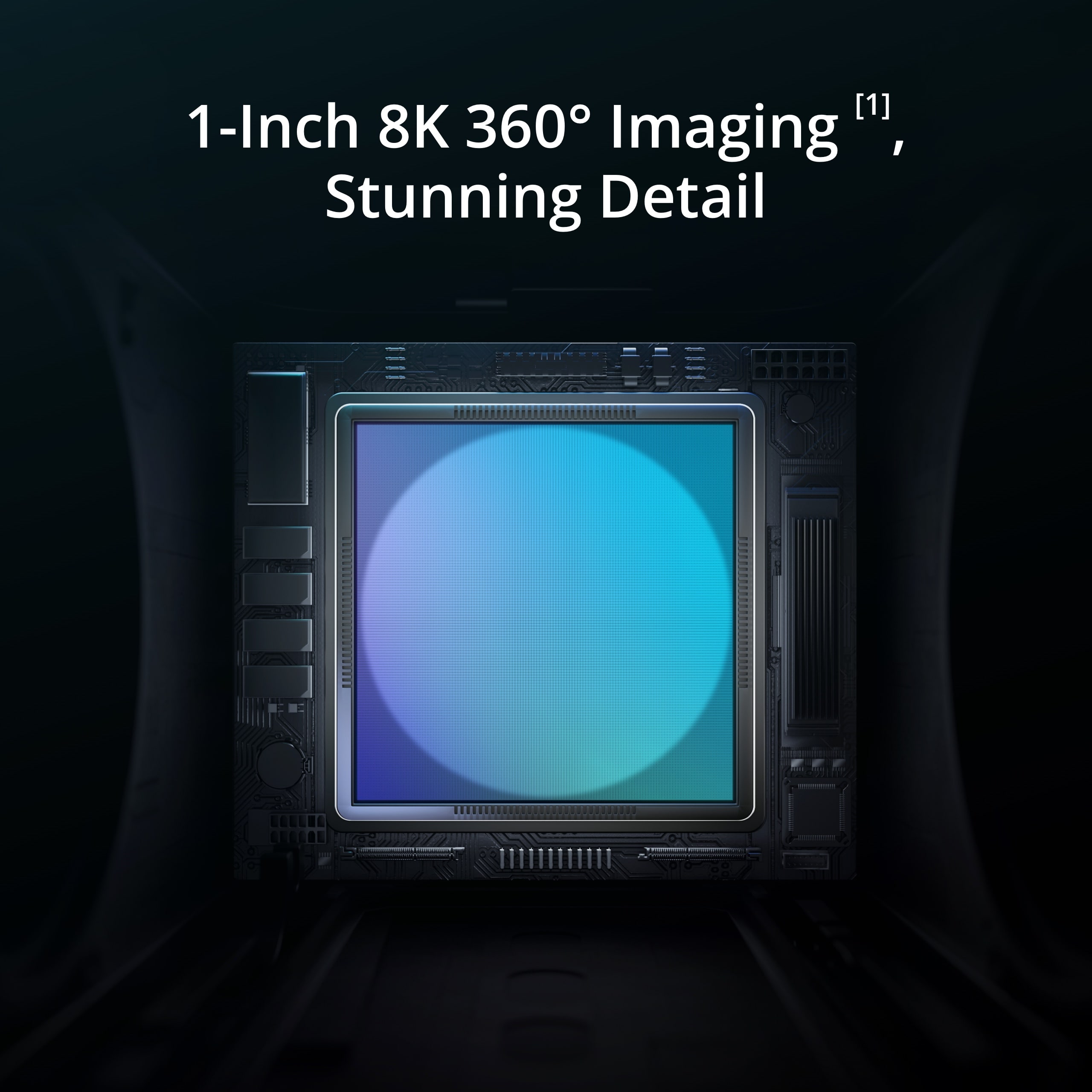
1. 1-Inch Flagship Imaging [2], 8K/60fps HDR Video [3]: Avata 360 is equipped with two new-generation 1/1.1-inch square CMOS sensors. The square design delivers panoramic coverage equivalent to that of a 1-inch sensor.
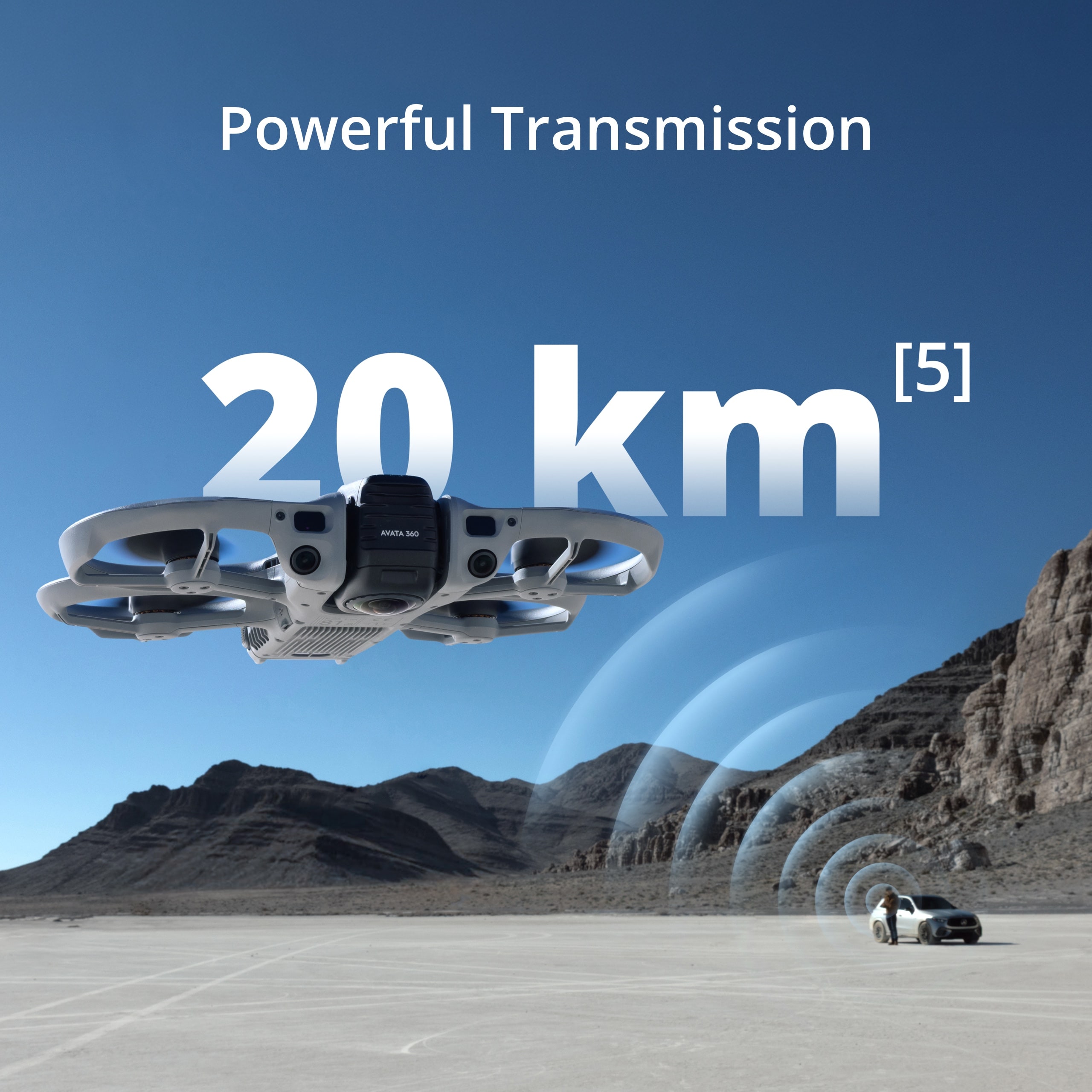
2. DJI O4+ Video Transmission System: Enables ultra-long-range video transmission of up to 20 km [4].
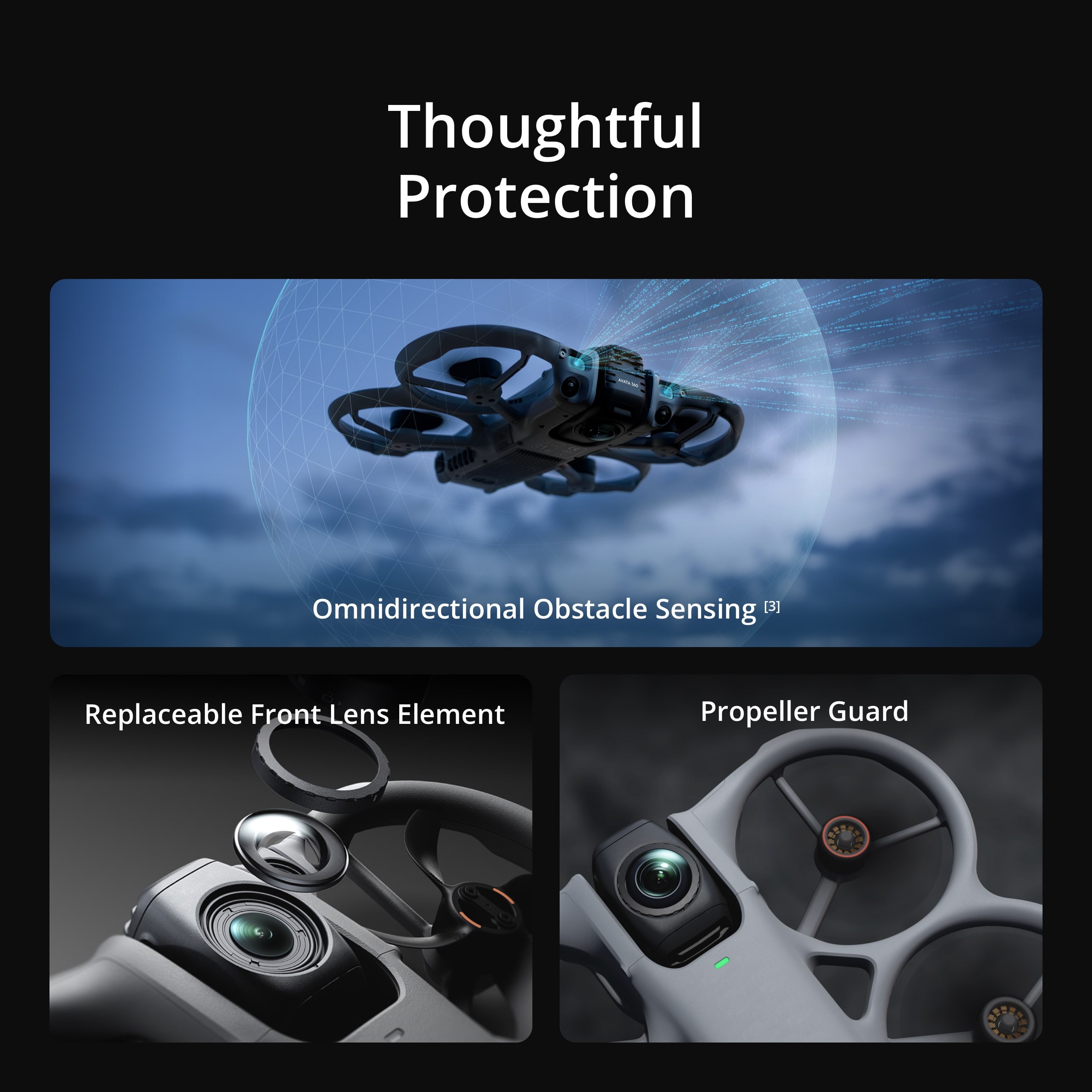
3. Omnidirectional Obstacle Sensing [5], Integrated Propeller Guard: Equipped with forward-facing LiDAR, Avata 360 features nightscape omnidirectional obstacle sensing [5] in 360° mode. The integrated propeller guard adds another layer of safety.
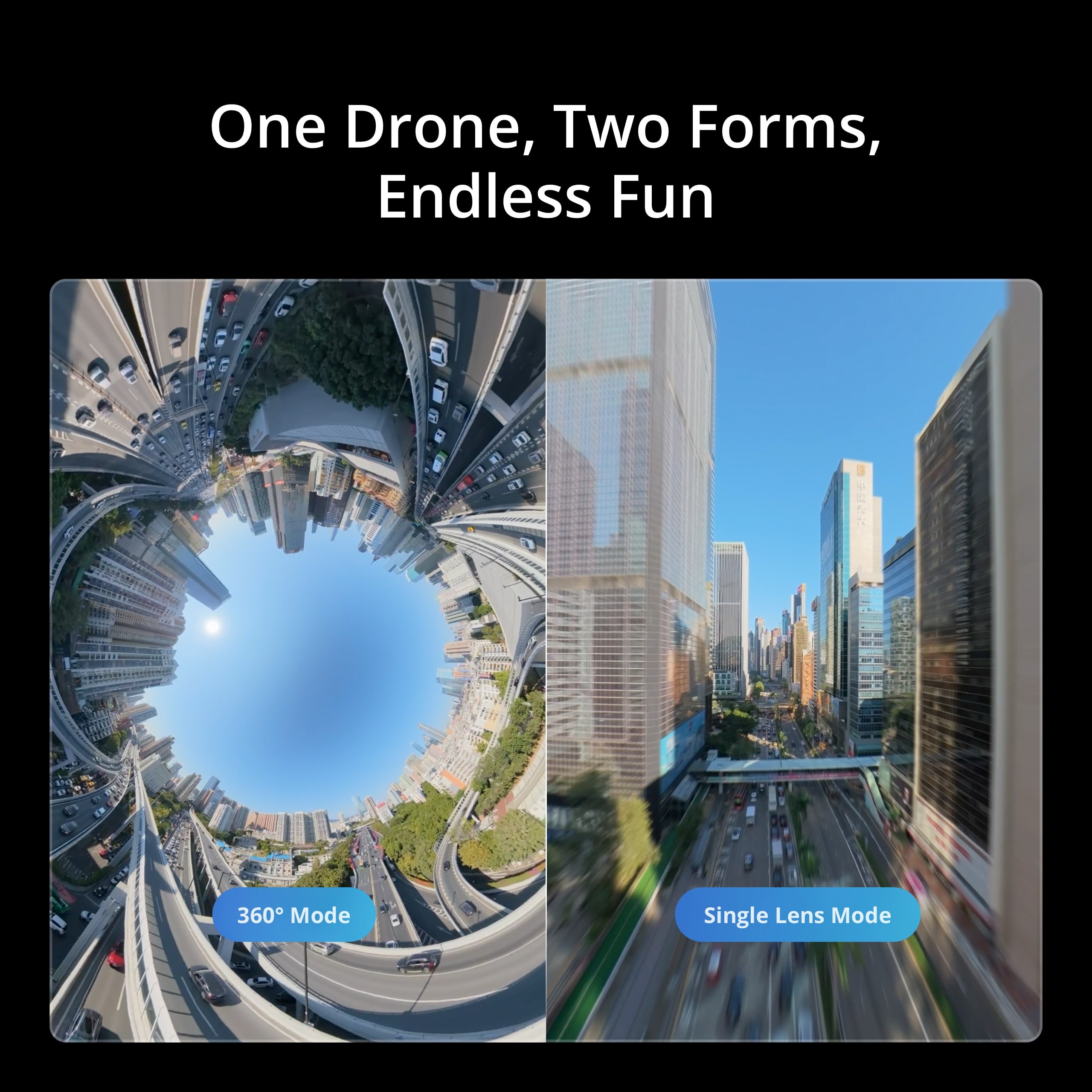
4. Infinite Creativity From One Take [3]: Capture a full 360° view in a single flight. In post, reframe from any perspective to turn one clip into multiple creations.
5. Spotlight Free [3] for Instant Shareable Footage: Spotlight Free [3] locks onto a moving subject and assists with camera movement. Simply fly and effortlessly nail epic shots—even without editing.
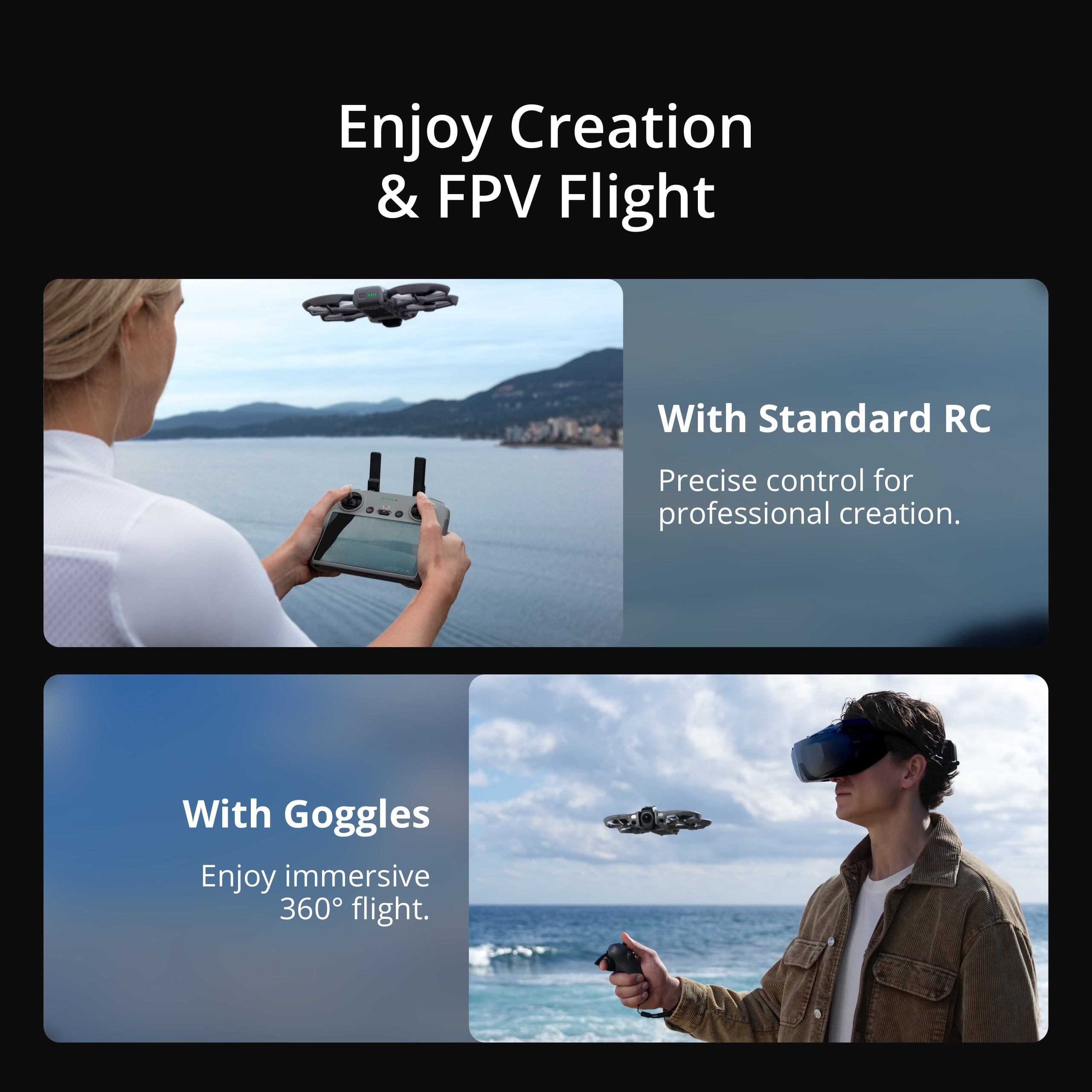
6. Supports the 360° Virtual Gimbal, allowing you to go beyond physical gimbal limits for dynamic camera moves. You can also use a remote controller with integrated screen for precise camera movement, or enjoy immersive flight with intuitive head tracking via goggles and motion controller. Experience FPV flight and aerial filming in one drone.
7. 360° and Single Lens, Flexible Dual Modes [5]: Seamlessly switch from 360° to Single Lens mode for classic Avata-style filming in 4K/60fps.
1. As of March 2026.
2. Only available in 360° mode. When capturing 360° content, each of DJI Avata 360’s two CMOS sensors features an imaging area equivalent to that of a 1‑inch CMOS sensor with a 4:3 aspect ratio.
3. Only available in 360° mode.
4. Measured in an outdoor, open environment, without interference, and with FCC compliance. The 20km transmission distance is only achievable under FCC standards. The above data shows the farthest communication range for one-way, non-return flights. Always pay attention to reminders in the app during your flight.
5. Omnidirectional Obstacle Sensing is only effective on surfaces with discernible textures and in lighting conditions of 1 lux or greater, and is available only in 360° mode. In Single Lens mode, only forward obstacle sensing is supported. Refer to the official DJI website or the product’s user manual for details.
360° Mode:
8K/60fps HDR video recording, FocusTrack, the 360° Virtual Gimbal, omnidirectional obstacle sensing, and other 360°‑specific features are available only in 360° mode. Some intelligent features vary by control method.
· Only available when using goggles paired with a motion controller: features such as acrobatic maneuvers and Head Tracking.
· Only available when used with a standard remote controller: features such as QuickShots and ActiveTrack 360° in FocusTrack.
Single Lens Mode:
This mode only supports video recording, with a maximum resolution of 4K/60fps. In this mode:
· When used with goggles and motion controller, you can fly and shoot in First-Person View (FPV) for better flat video image quality.
· When used with a standard remote controller, you can also fly and shoot in First-Person View (FPV). The footage tilts with the drone’s attitude, giving your footage a dynamic, FPV-style look.
Single Lens Mode:
Single Lens 4K (4:3)*: 3840 × 2880@60/50/48/30/25/24fps
Single Lens 4K (16:9): 3840 × 2160@60/50/48/30/25/24fps
Single Lens 2.7K (4:3)*: 2688 × 2016@120/100/60/50/48/30/25/24fps
Single Lens 2.7K (16:9): 2688 × 1512@120/100/60/50/48/30/25/24fps
* Supported only when using Goggles 3/N3 paired with RC Motion 3 or FPV Remote Controller 3.
Reviews
There are no reviews yet.