Sale!

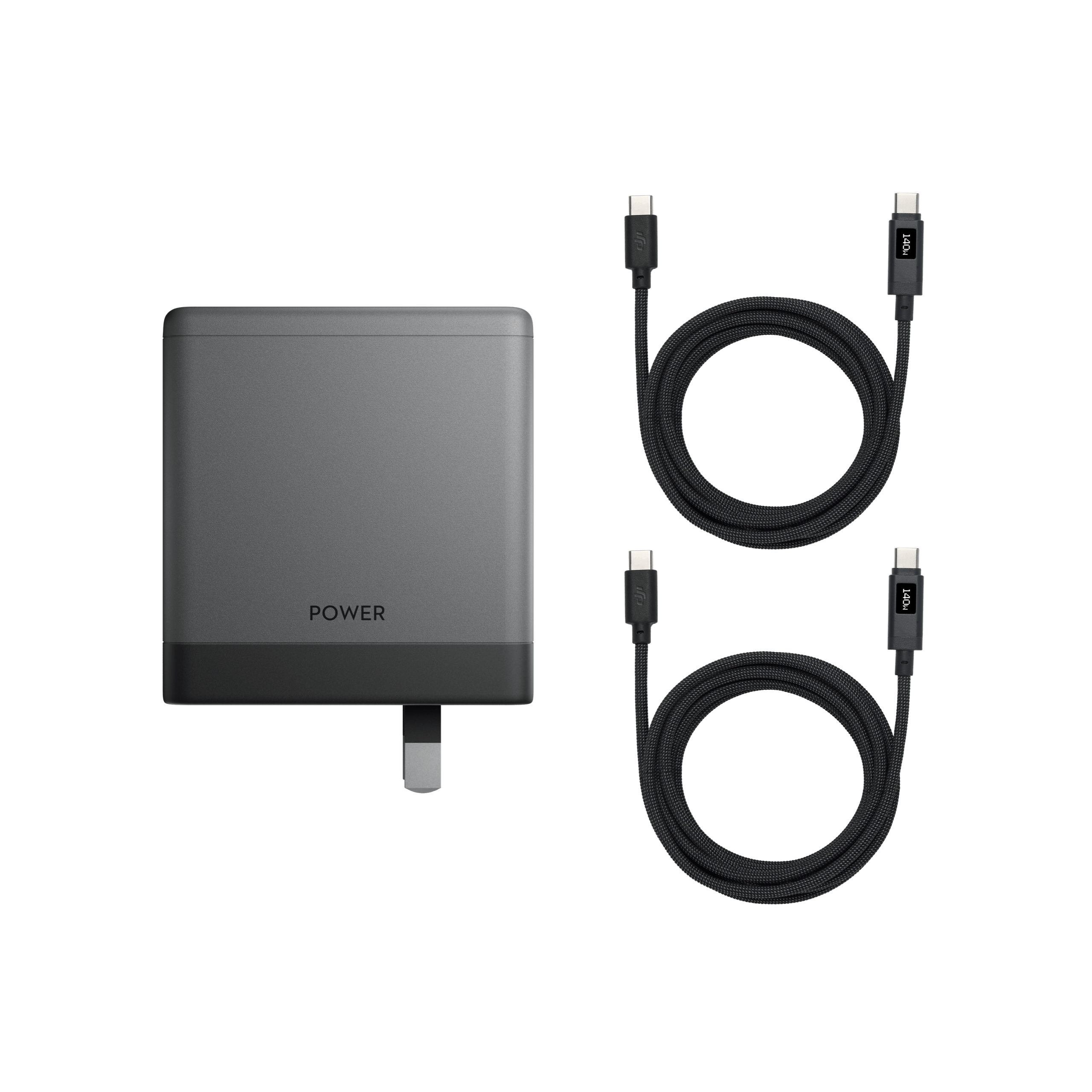
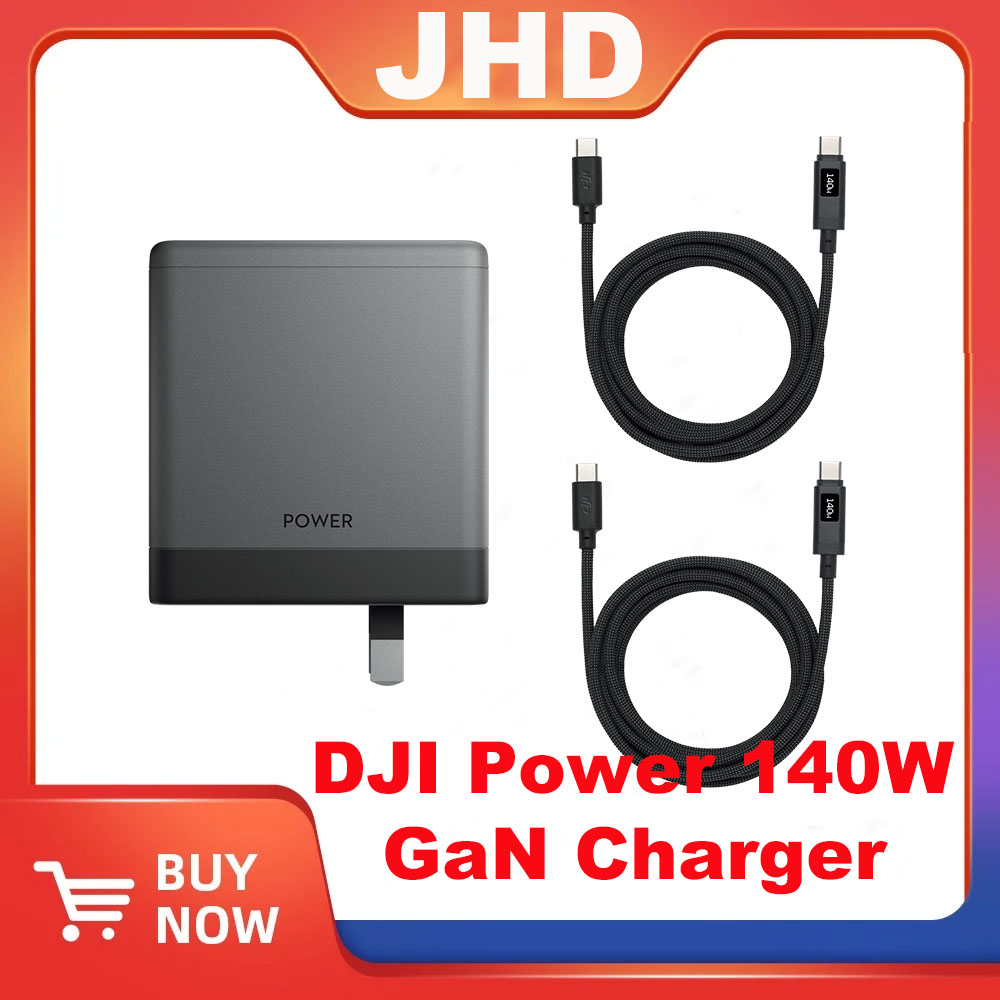
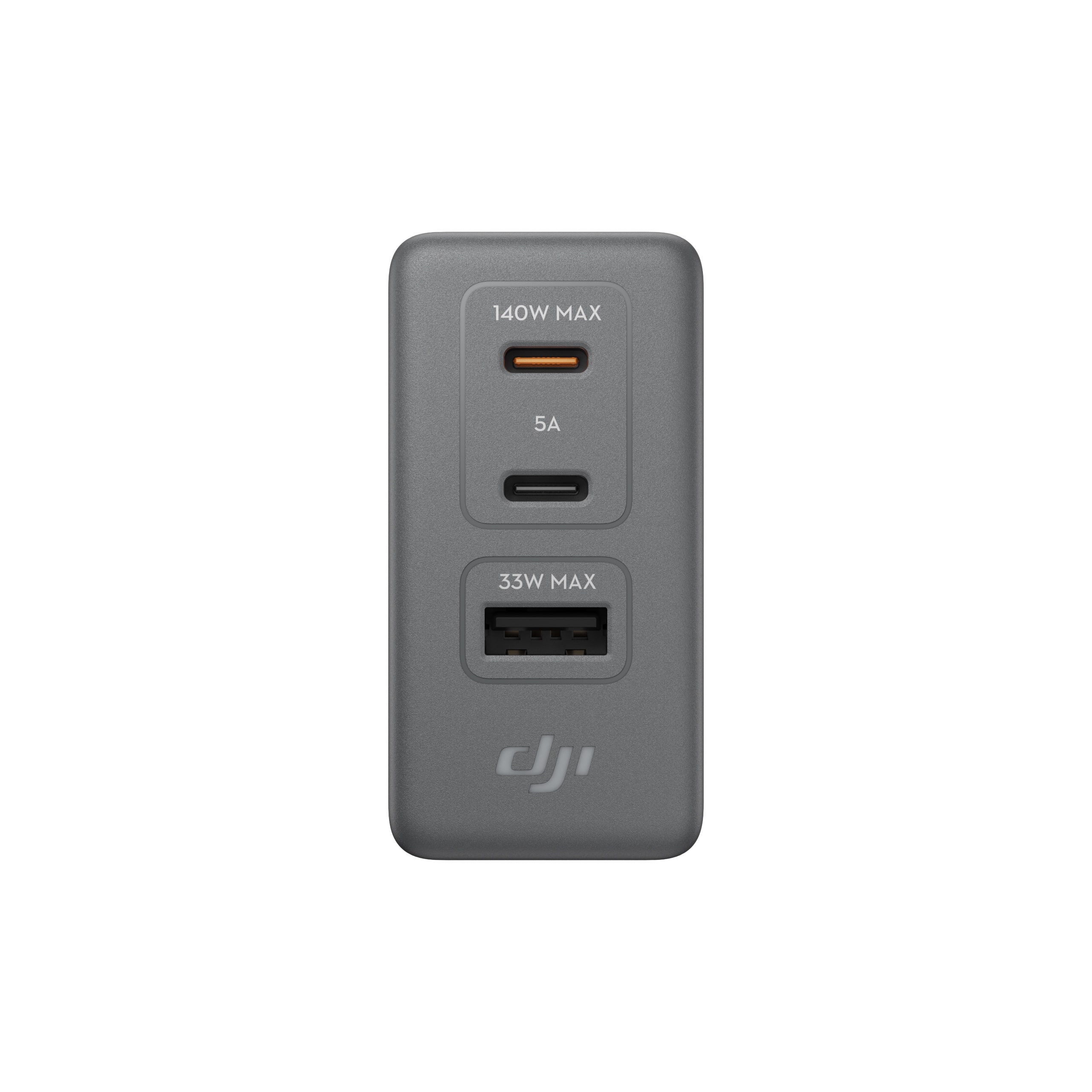
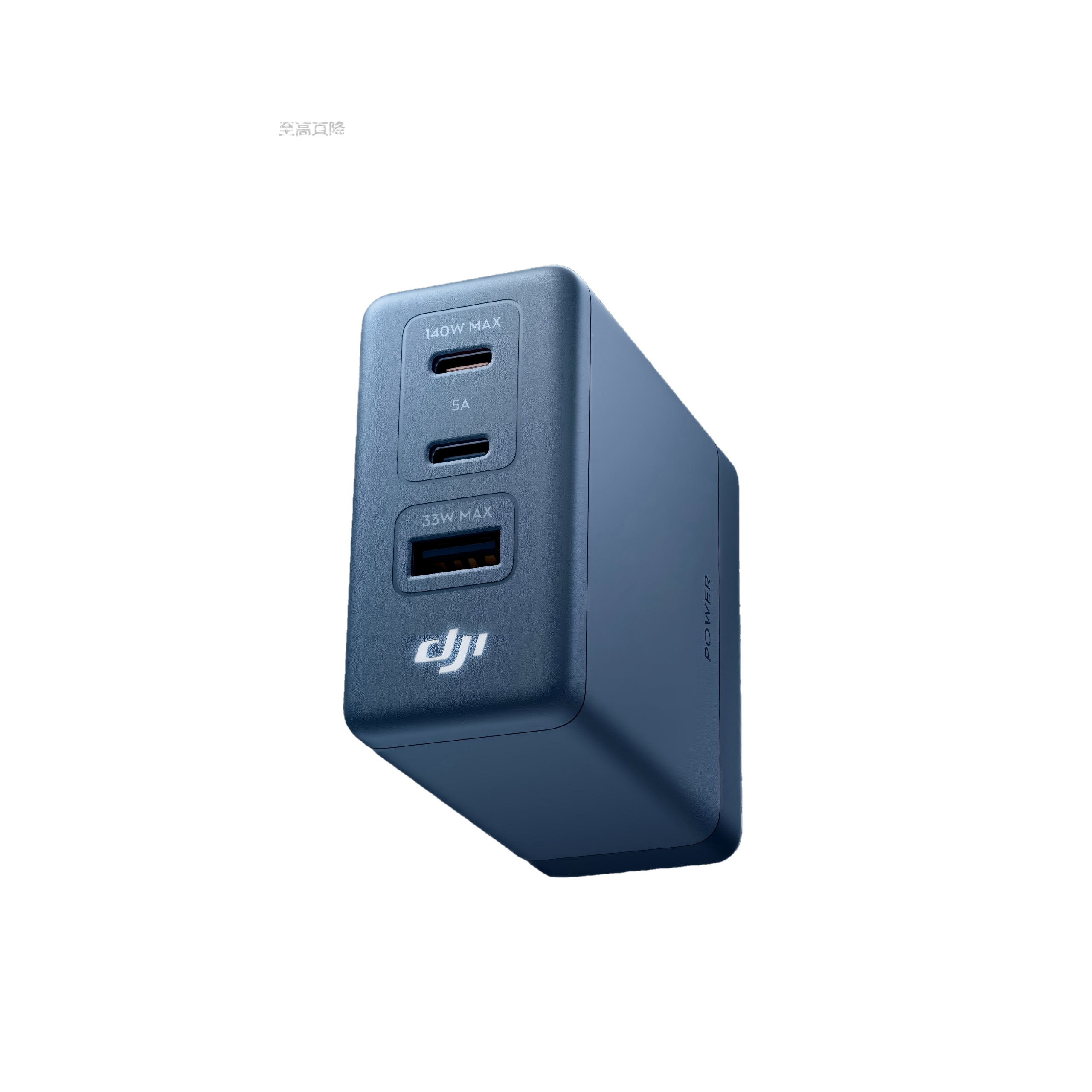
JHD DJI Power 140W GaN Charger 1.8m Dual-Cable Charging Set
SKU DJI Power 140W GaN Charger Categories ,

Price range: $49.90 through $85.90

JHD DJI Power 140W GaN Charger 1.8m Dual-Cable Charging Set
Version

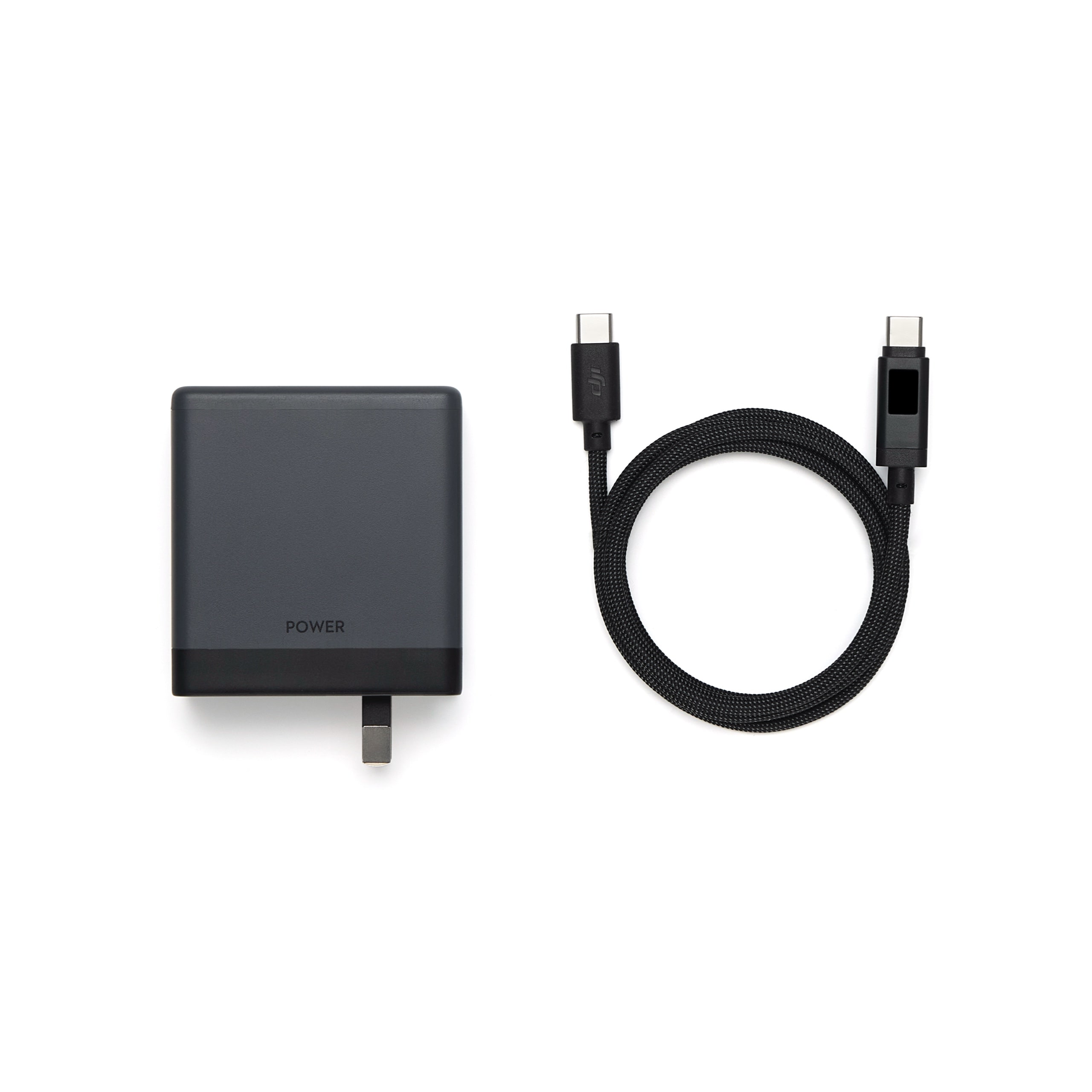
DJI Power 140W GaN Charger, DJI Power 140W GaN Charging Kit, DJI Power 140W GaN 1.8m Dual-Cable Charging Kit

Specs

General

  • Model

  • China Standard: CDT01-CN
    US/Japan Specification: CDT01-US
    European version: CDT01-EU

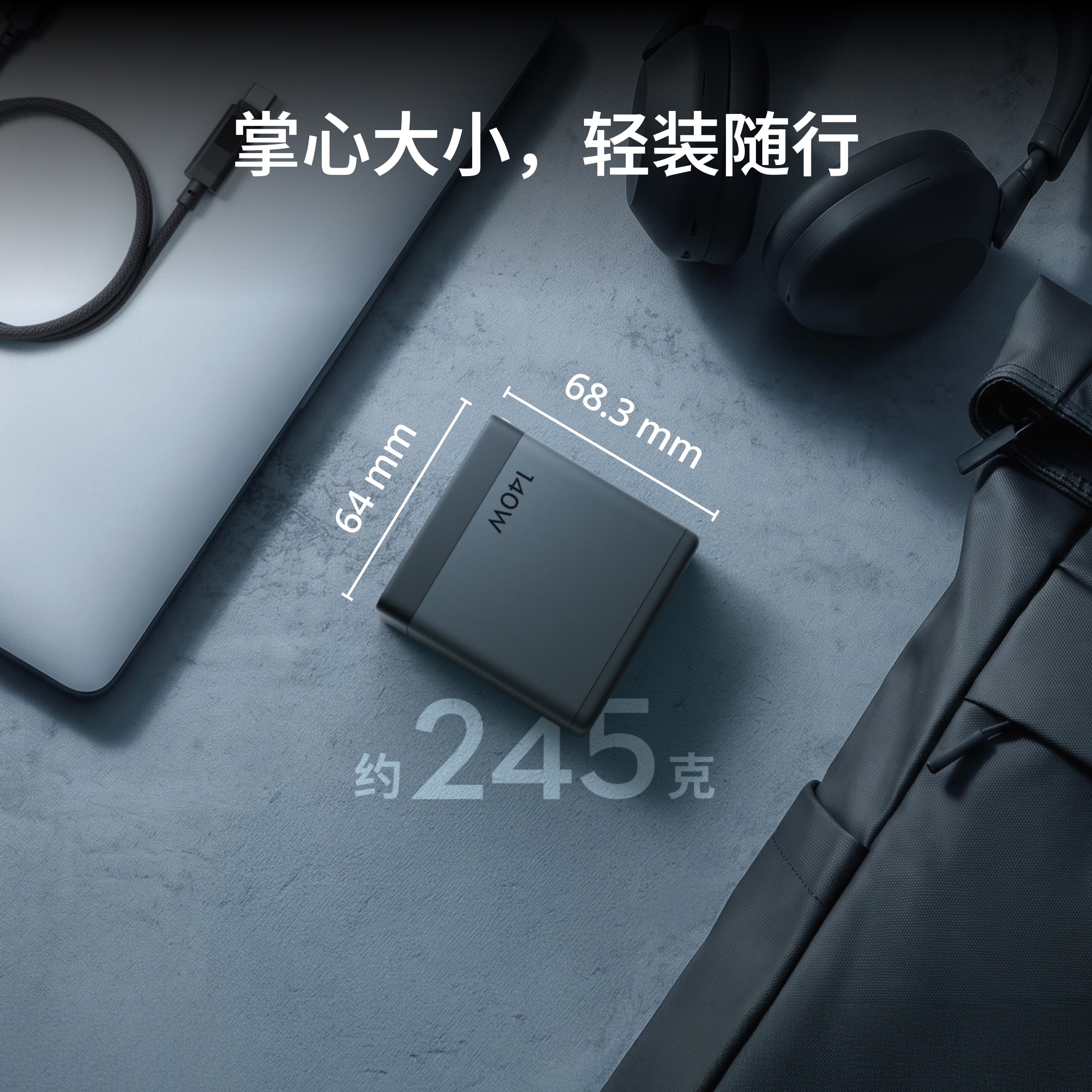
  • Net weight

  • Chinese, American, and Japanese versions: approx. 245g
    European version: approx. 250g

  • Dimensions

  • CN, US/JP standard (foldable pins): Length 68.3 mm, width 32.2 mm, height 64 mm
    European version (excluding plug): Length 86.5 mm, Width 35.7 mm, Height 64 mm

    The size data may vary due to reasons such as different material batches, so please refer to the actual product.

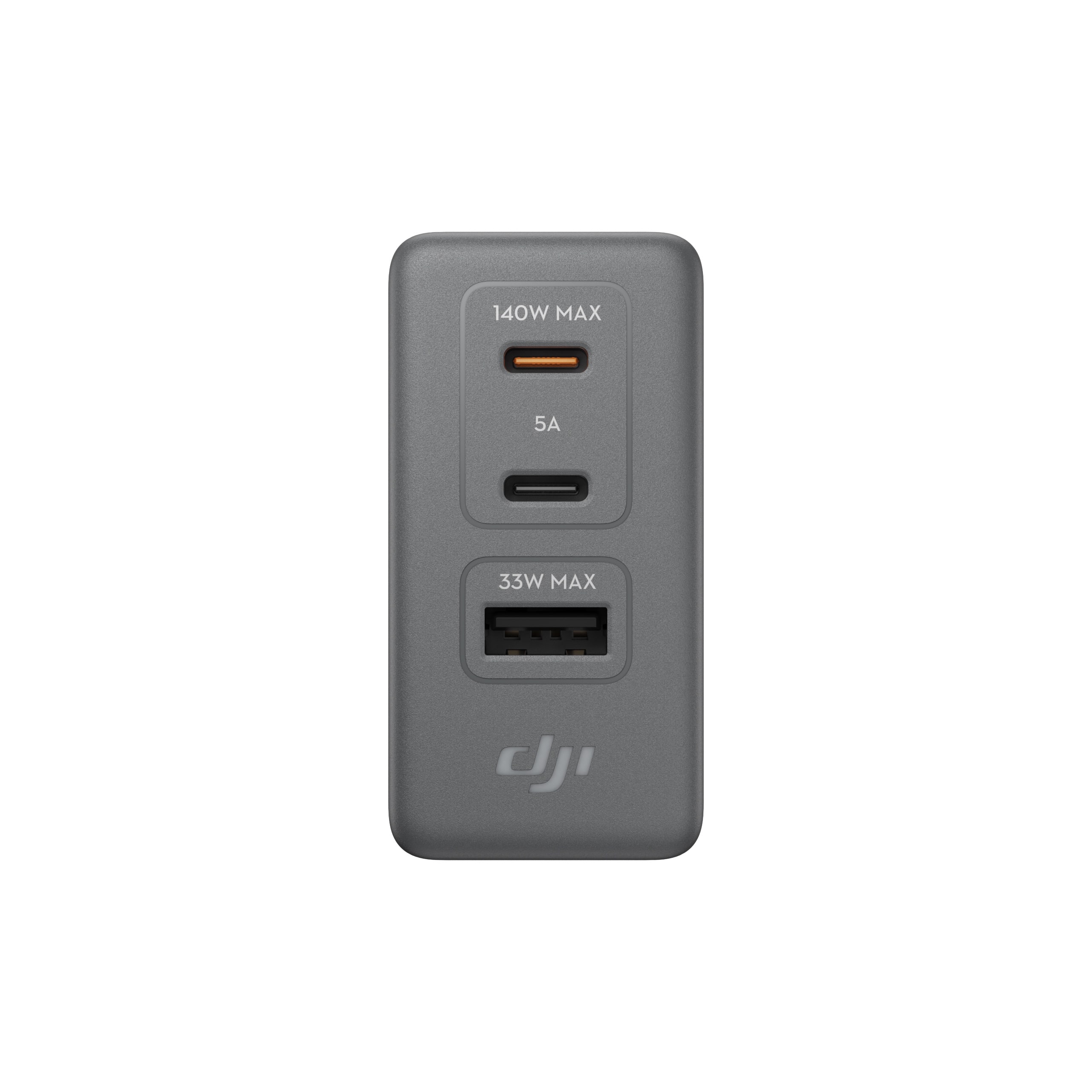
  • Number of Ports

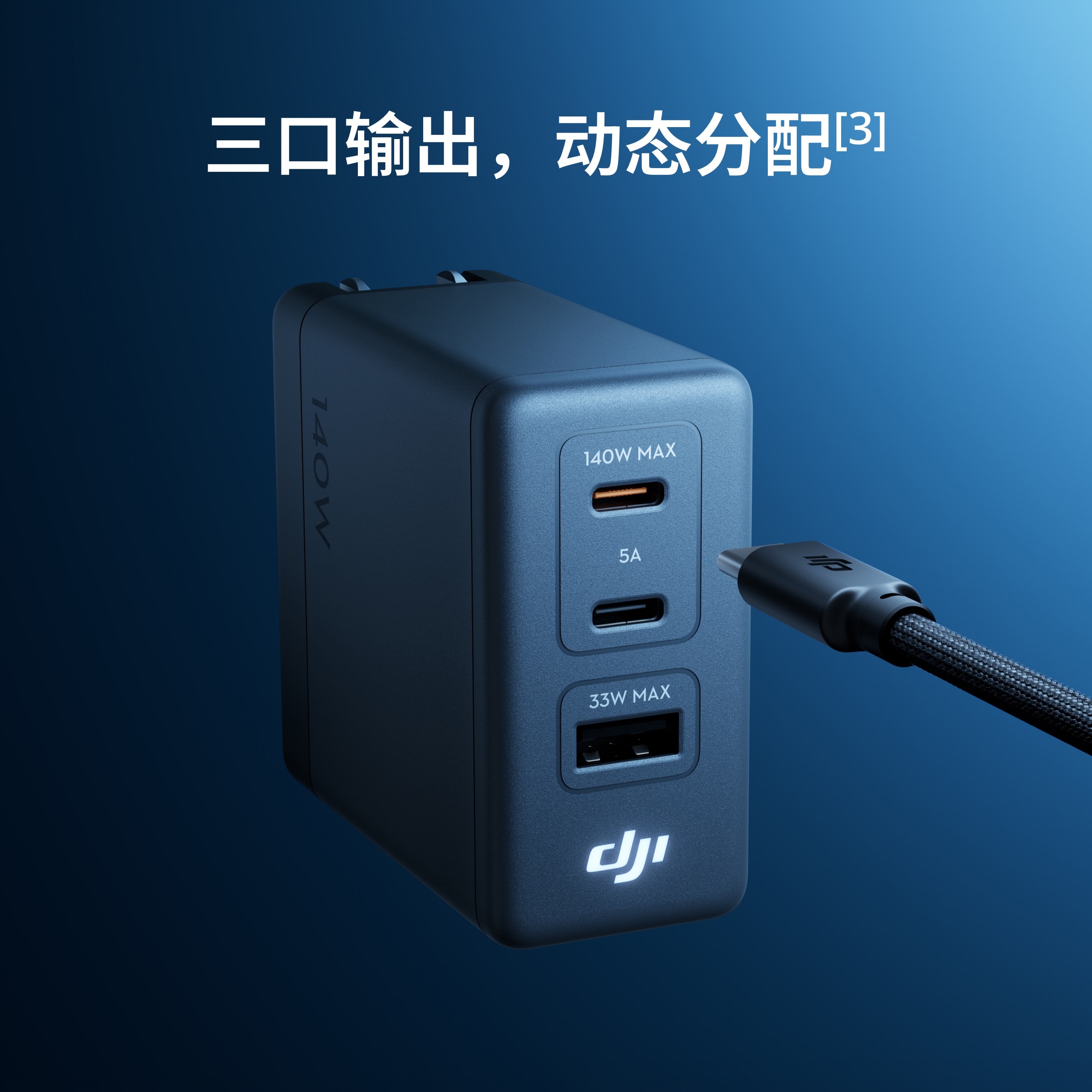
  • USB-C × 2
    USB-A × 1

  • Power Density

  • 1.00 W/cm³

  • Plug Type

  • China/Japan/US Standards: Foldable plug design
    European Standard: Fixed plug design

  • Operating environment temperature

  • 0℃ to 25℃

Input Specifications

  • AC Input

  • AC 100V to 240V, 50/60Hz, max current 2A

    Actual AC input data varies depending on the country or region.

Output specifications

  • Total output

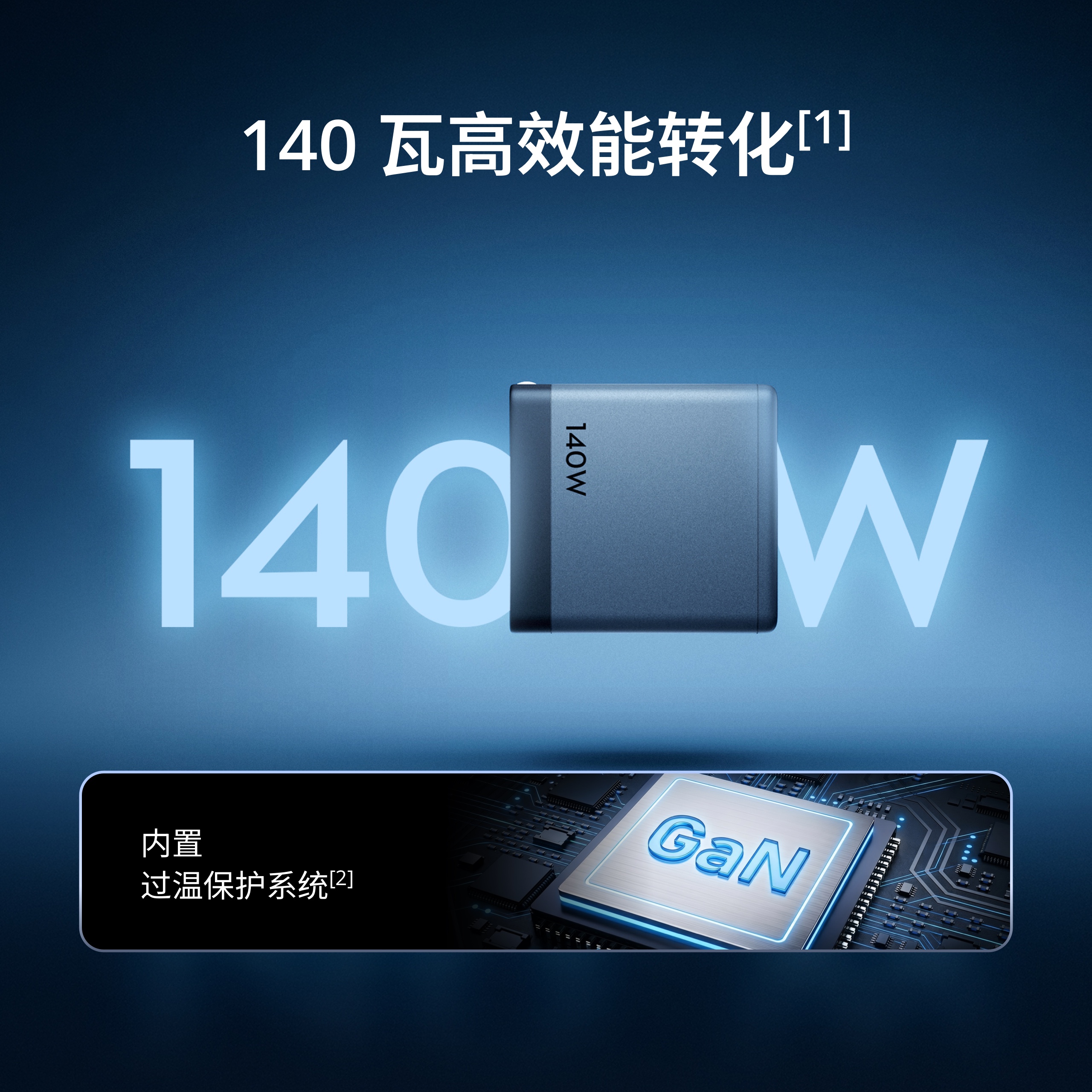
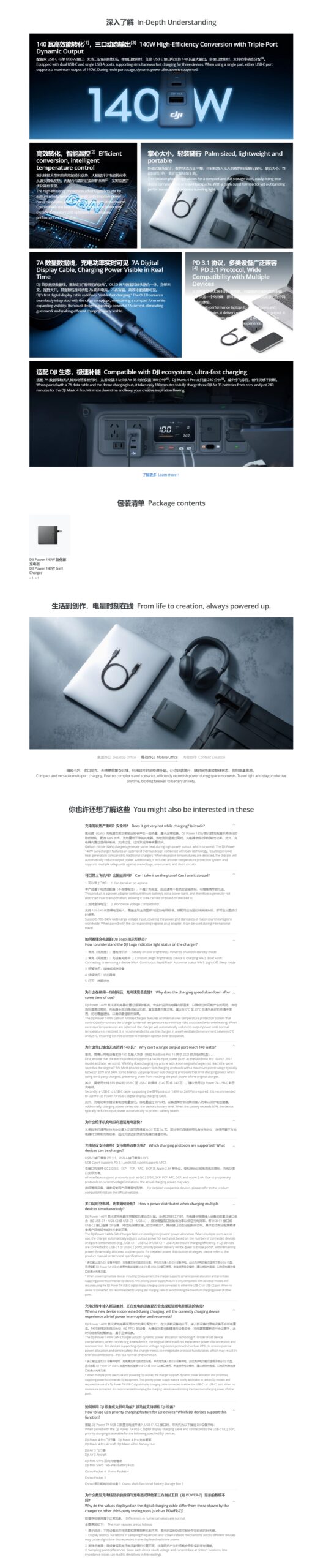
  • 140W

  • USB-C output

  • 5V, 3A
    9V, 5A
    12V, 5A
    15V, 5A
    20V, 5A
    28V, 5A
    Maximum 140 watt output

  • USB-A Output

  • 5V, 3A
    9V, 3A
    12V, 2.25A
    11V, 3A
    Maximum 33W output

  • Power Output Allocation

  • At full load output of 140 watts:

    Single-port output:
    • USB-C1/C2 single-port maximum output power: 140W
    • USB-A single-port maximum output power: 33W

    Dual-port output:
    • USB-C1 + USB-C2: 100W + 35W, 35W + 100W, 65W + 65W
    • USB-C1/C2 + USB-A: 100W + 33W

    Triple-port output:
    • Intelligent dynamic allocation, total not exceeding 140W
    • USB-C1 + USB-C2 + USB-A: 80W + 35W + 22W, 35W + 80W + 22W, 65W + 50W + 22W

    When multiple outputs are in use and powering DJI devices, the charger supports dynamic power allocation, prioritizing power supply to connected DJI equipment. This priority power feature is only available for select DJI models and requires the use of a DJI Power 7A USB-C digital display charging cable connected to either the USB-C1 or USB-C2 port. For specific supported devices, refer to the FAQ page on the official website. When no devices are connected, it is recommended to unplug the charging cable to avoid limiting the maximum charging power of other ports. Additionally, the charger is equipped with over-temperature protection, automatically reducing output power when operating at full load and reaching the safety temperature threshold.

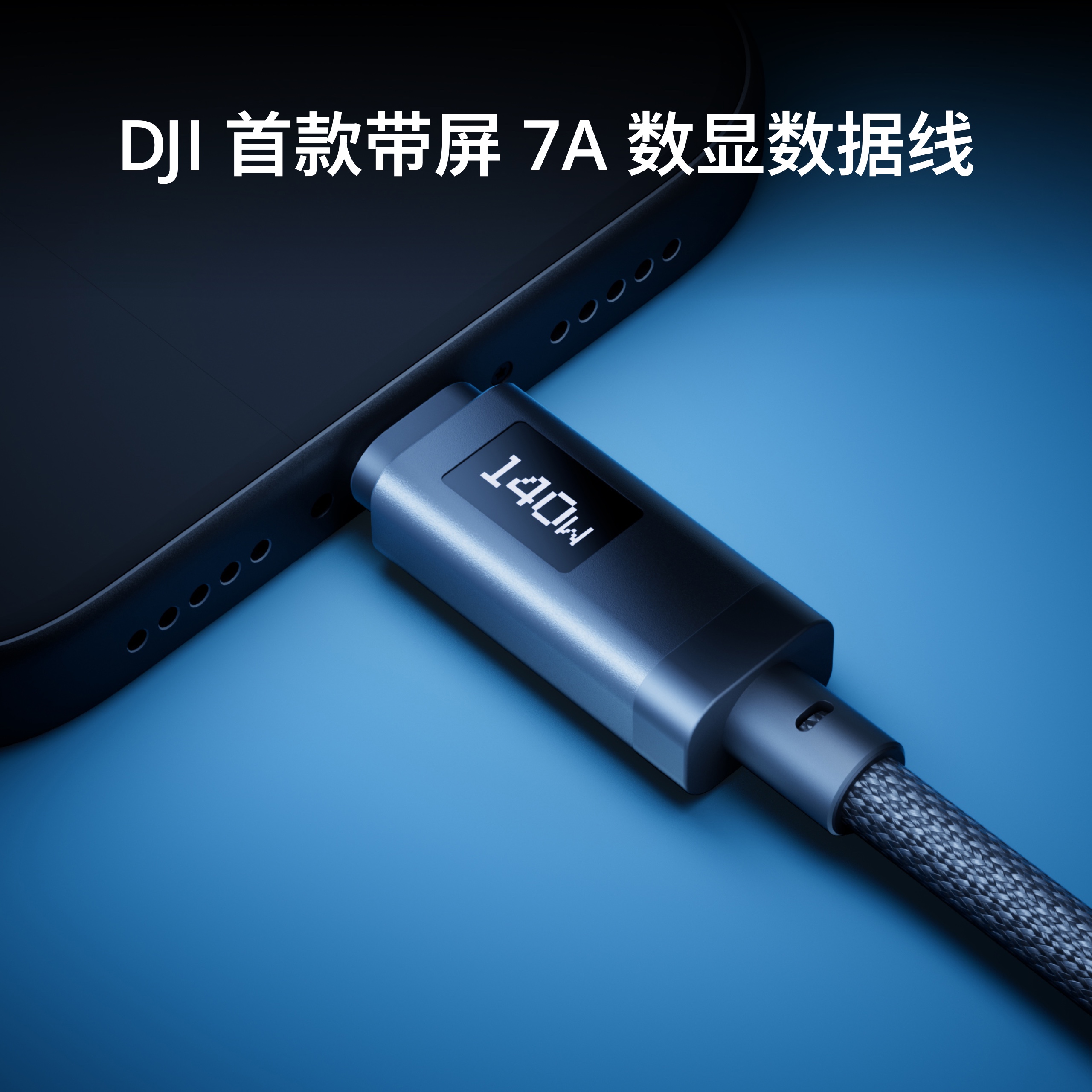
Digital Display Charging Cable

  • Model

  • CDX01-GB-1M0
    CDX01-GB-1M8

  • Length

  • 1 meter / 1.8 meters

  • Thread size

  • 27 mm long, 11.5 mm wide, 7.6 mm high

    The size data may vary due to reasons such as different material batches, so please refer to the actual product.

  • Screen type

  • OLED

  • Interface Type

  • USB-C to USB-C

  • Maximum Current Carrying Capacity

  • 7 A

  • Maximum Output Power

  • 240 W

Charger

Does it get very hot during charging? Is it safe?

Gallium nitride (GaN) chargers generate some heat during high-power output, which is a normal phenomenon. The DJI Power 140W GaN charger features an optimized cooling structure combined with GaN technology, resulting in lower heat generation compared to traditional chargers. When excessive temperature is detected, the charger automatically reduces its output power. Additionally, it includes a built-in over-temperature protection system and supports multiple safeguards such as overvoltage, overcurrent, and short-circuit protection.

Can it be taken on a plane? Can it be used abroad?

1. Allowed on flights:
This product is a power adapter (without lithium battery) and does not qualify as a power bank. Therefore, it is generally not subject to aviation transport restrictions and can be carried on board or checked in.2. Supports global voltages:
Supports 100-240V wide-range voltage input, compatible with mainstream power grid standards worldwide. When paired with the appropriate regional plug adapter, it can be used during international travels.

How to interpret the DJI Logo indicator light status on the charger?

1. Steady (low brightness): Standby while powered on
2. Steady (high brightness): Charging the device
3. Brief rapid flashing: Connecting or removing a device
4. Continuous rapid flashing: Abnormal status
5. Light off: Sleep mode

Does it require connecting to an app when in use?

Not needed. The product is plug-and-play and doesn’t require connecting to an app.

Why does the charging speed slow down after some time of use?

The DJI Power 140W GaN Charger features a built-in over-temperature protection system that continuously monitors the internal temperature to minimize risks associated with overheating. When excessive temperatures are detected, the charger will automatically reduce output power until normal temperature is restored. For optimal heat dissipation, it is recommended to use in a well-ventilated environment between 0°C and 25°C, ensuring the charger remains uncovered.

Why can’t a single port output reach 140 watts?

First, ensure the electrical device supports 140W input power (e.g., MacBook Pro 16-inch 2021 model and later versions).
Second, use a USB-C to USB-C cable that supports the EPR protocol (140W or 240W). The DJI Power 7A USB-C digital display charging cable is recommended.
Additionally, charging power varies with the device’s battery level. When the battery exceeds 80%, the device typically reduces input power automatically to protect battery health.

Why is charging a phone slower without the original charger?

The maximum power range for fast charging protocols commonly used by most phones typically falls between 20W and 34W. Some phone brands employ proprietary fast charging protocols that limit charging power when using third-party chargers, preventing them from reaching the peak power of original chargers.

Which charging protocols are supported? Which devices can be charged?

The USB-C port is compatible with PD 3.1, and the USB-A port supports UFCS.
All ports support protocols such as QC 2.0/3.0, SCP, FCP, AFC, DCP, and Apple 2.4A. Actual charging power may vary due to proprietary protocols or current/voltage limitations.
For detailed device compatibility, please refer toProduct Compatibility List

How is power distributed when charging through multiple ports simultaneously?

The DJI Power 140W GaN Charger supports intelligent dynamic power allocation*. When multiple ports work simultaneously, the charger automatically adjusts the output power of each port based on the number and combination of connected devices (e.g., USB-C1 + USB-C2 or USB-C1 + USB-A) to ensure charging efficiency. If a DJI device is connected to the USB-C1 or USB-C2 port, priority will be given to that port’s power output*, while the remaining ports dynamically share the leftover power. For detailed power allocation strategies, please refer to the product manual or technical specifications page.

* When multiple ports are in use and powering DJI devices, the charger supports dynamic power allocation and prioritizes power supply to connected DJI equipment. This priority power feature is only applicable to certain DJI models and requires the use of a DJI Power 7A USB-C digital display charging cable connected to either the USB-C1 or USB-C2 port. When no devices are connected, it is recommended to unplug the charging cable to avoid limiting the maximum charging power of other ports.

When a new device is connected during charging, will the devices already charging experience a brief power interruption and reconnect?

The DJI Power 140W GaN Charger employs dynamic power distribution technology*, ensuring that most connected devices won’t experience power disconnection when a new device is added. For devices supporting dynamic voltage regulation protocols (such as PPS), to guarantee precise power allocation and device safety, the charger needs to renegotiate the protocol handshake, which may result in a brief disconnection—this is a normal occurrence.

* When multiple ports are in use and powering DJI devices, the charger supports dynamic power allocation, prioritizing power supply to connected DJI devices. This priority power function is only applicable to certain DJI models and requires the use of a DJI Power 7A USB-C digital display charging cable connected to either the USB-C1 or USB-C2 port. When no devices are connected, it is recommended to unplug the charging cable to avoid limiting the maximum charging power of other ports.

How to use DJI device priority power supply function? Which DJI devices support this feature?

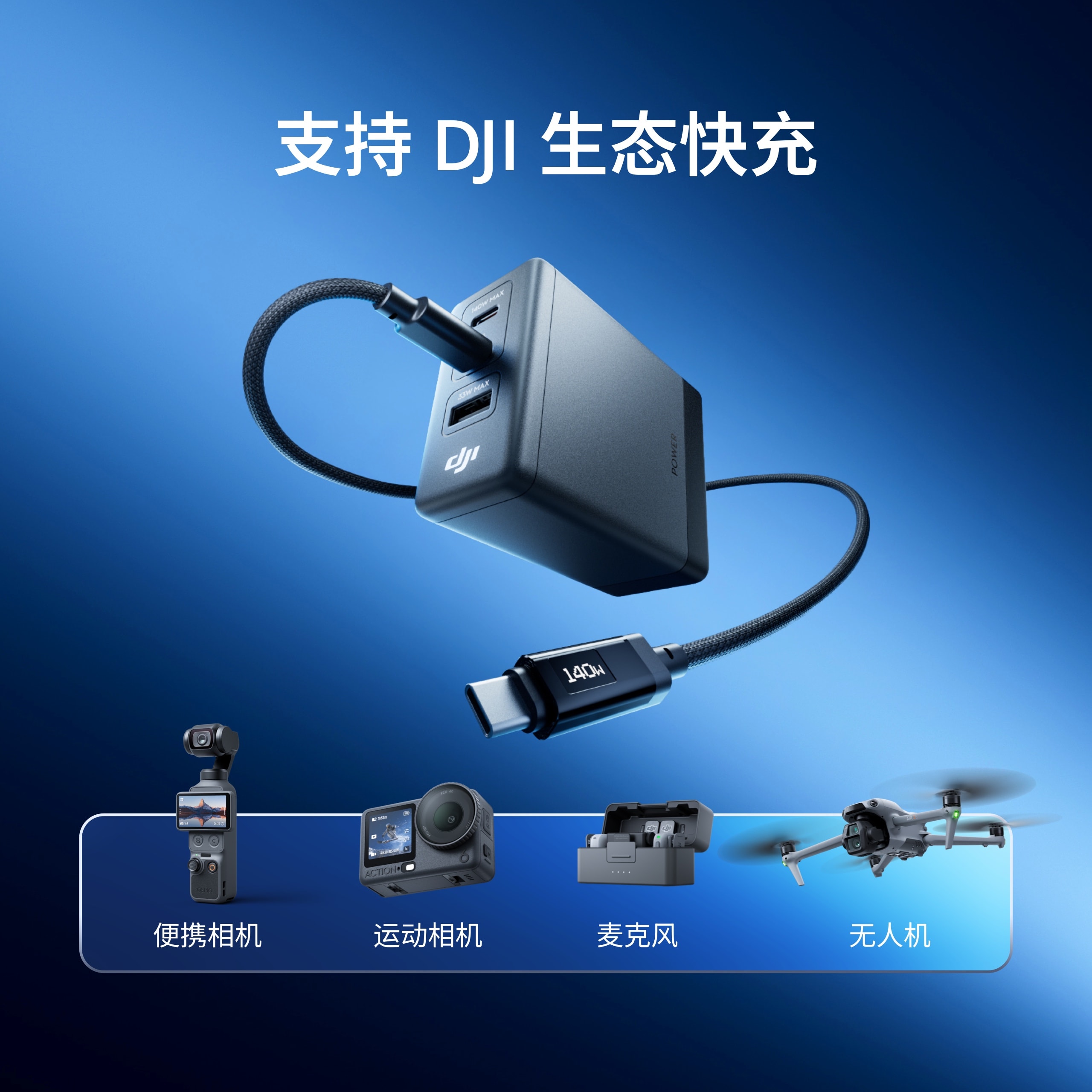
When paired with the DJI Power 7A USB-C digital display charging cable and connected to the USB-C1/C2 port, priority power supply can be provided to the following specified DJI devices:
DJI Mavic 4 Pro aircraft, DJI Mavic 4 Pro charging hub
DJI Air 3 aircraft
DJI Mini 5 Pro dual charging hub
Osmo Pocket 4
Osmo Pocket 3
Osmo Multi-functional Battery Storage Box 3

Digital Display Charging Cable

Why do the values displayed on the digital charging cable differ from those shown on the charger or other third-party testing tools (such as POWER-Z)?

Numerical discrepancies are normal.

The main reasons are as follows:
1. Display delay: Different devices have varying sampling frequencies and screen refresh mechanisms, which may cause slight time differences in displayed real-time power.
2. Sampling point variation: Each device reads voltage and current data from different positions, and line impedance losses can lead to deviations in readings.

Reviews

There are no reviews yet.

Be the first to review “JHD DJI Power 140W GaN Charger 1.8m Dual-Cable Charging Set”

Your email address will not be published. Required fields are marked *

Shopping Cart
Scroll to Top